Notes for the grown-up
Read what to listen for, how to get started and what you can change.
How it works
Choose a lesson, open the first activity and press play. You and your child can sing, clap or listen along to the same demonstrations used in primary schools.
Your first session
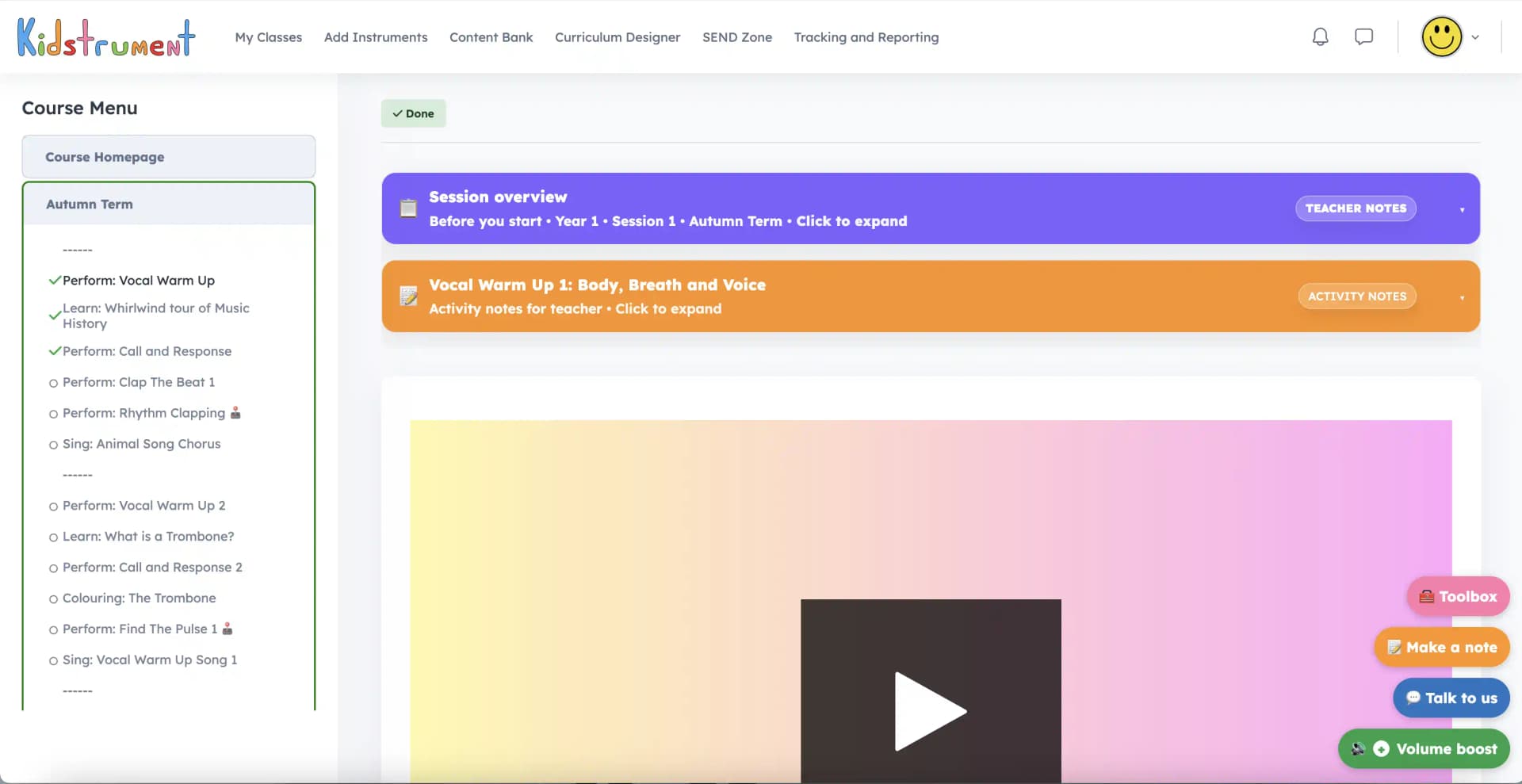
These are the screens you’ll see in your family workspace. Pick a starting point, open a session together and take as much time as your child needs on each activity.
You can follow the lessons in order or choose something for today. Both routes use the same songs, games and instrument activities.
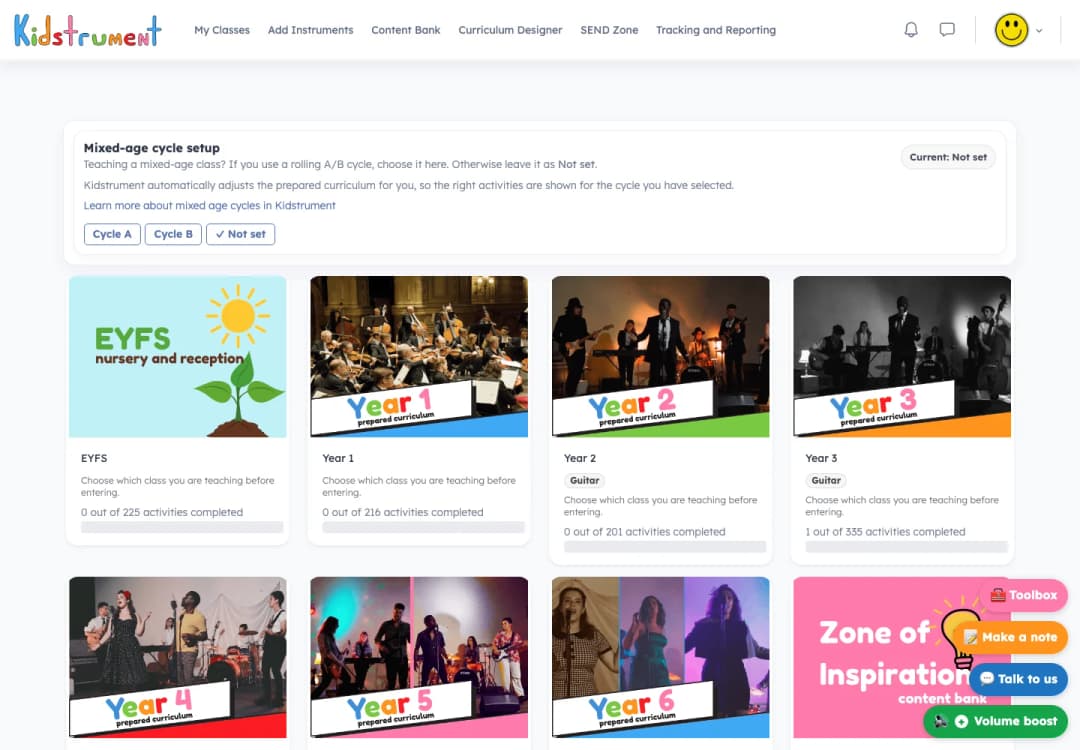
Choose a sequence from early years to Year 6. Each lesson builds on the listening, playing or singing your child has already tried.
Open page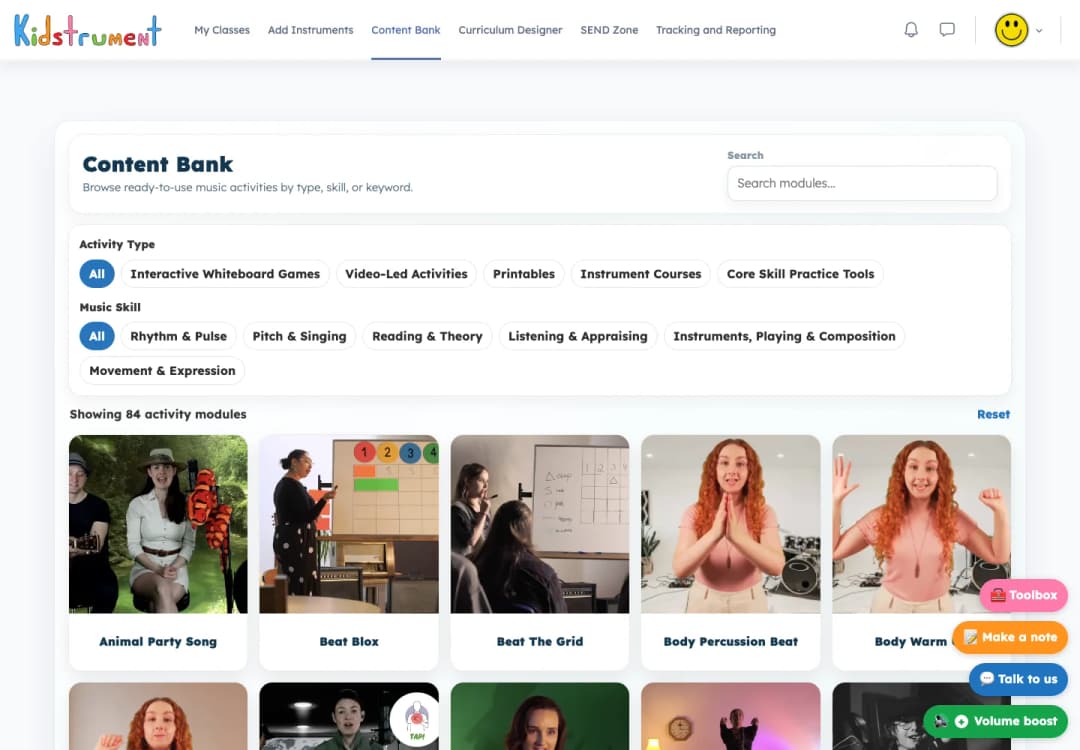
Find a song, a rhythm game or a listening activity to match your child’s interests. Return to favourites whenever you like.
Open page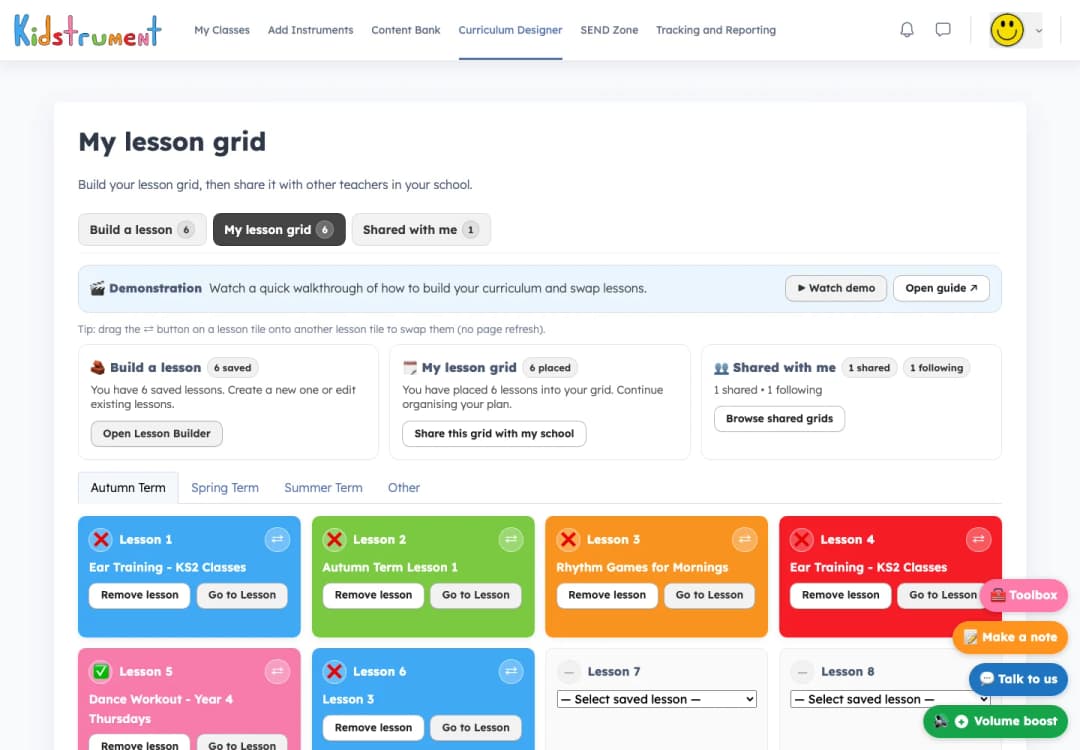
Put activities in the order you want to try them. Add a song your child loves or make room for an instrument you have at home.
Open pageHelp for parents and carers
Open the Teacher notes beside the activity. You’ll find the aim, a starting prompt and ideas for making it easier or more challenging. You can read them before sitting down together.
Some days you might work through a whole session. On others, a song and a few minutes tapping the pulse might be just right.
Read what to listen for, how to get started and what you can change.
Follow a scheme, repeat yesterday’s favourite or choose a challenge from the Content Bank.
Look back at completed lessons to remember what you played and decide what to practise next.
Try a rhythm or pitch challenge for a few minutes, then go back to the song and hear the difference.
Practice tools
Use a short game to hear the difference between two notes, copy a rhythm or practise a pattern before returning to the lesson.
Explore the schemes and activities together for 14 days. Add a card at signup and cancel before the trial ends to avoid the first charge.