Curriculum Designer
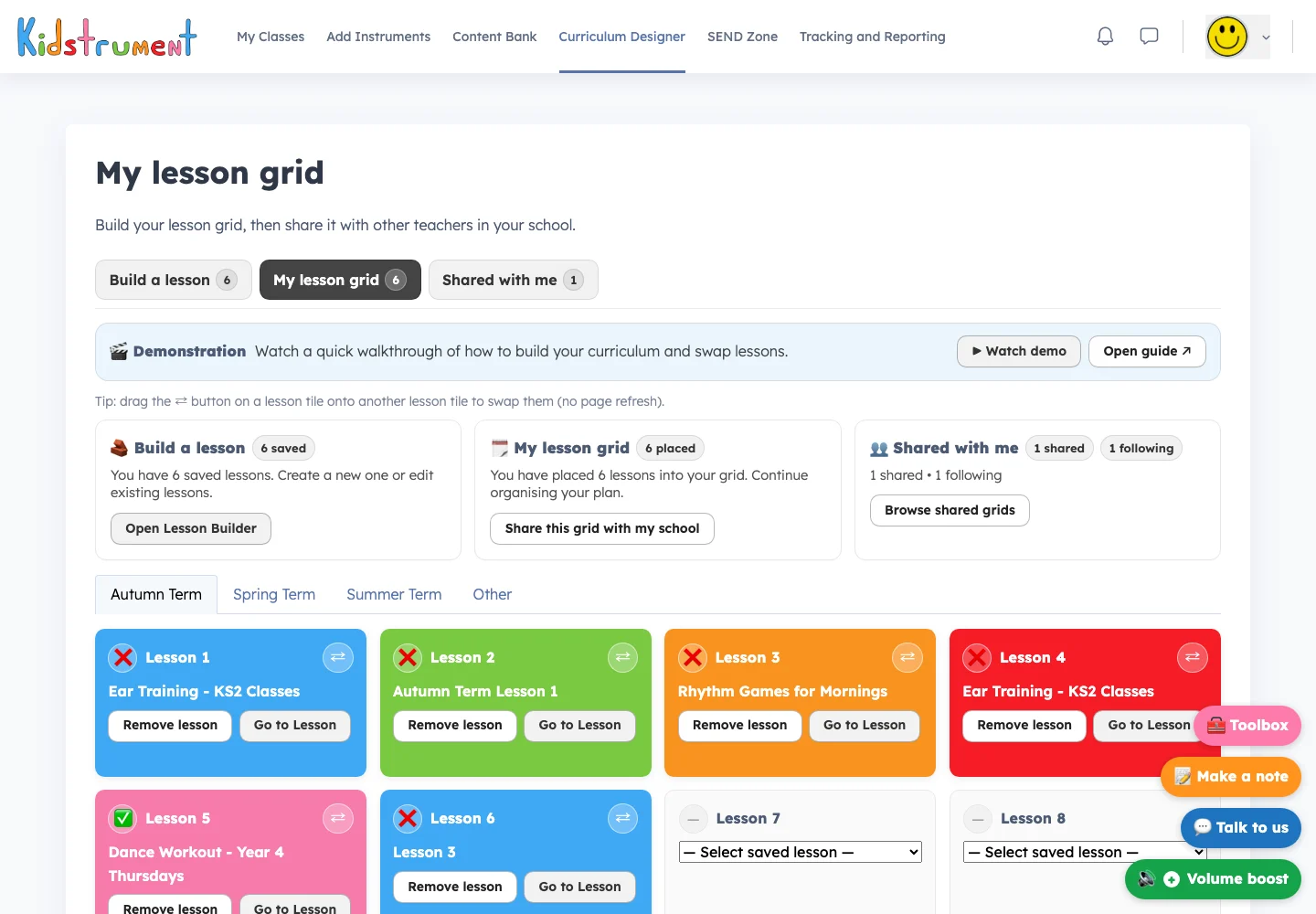
Bring favourite activities together into a sequence that suits your child.

Explore the same Kidstrument music programme used in primary schools. Follow a lesson together, or pick a song or rhythm activity to enjoy with your child today.
Take the 5½-minute tour of the programme you’ll use at home.
These schools use Kidstrument for their music lessons. At home, you and your child can sing with the same musicians, play the same games and follow the same lessons.


Make room for a song, a listening game or a little instrument practice. Explore the activities with your child.

Try blues, jazz or Motown. Listen to the musicians first, then sing the next line or clap along to the beat.
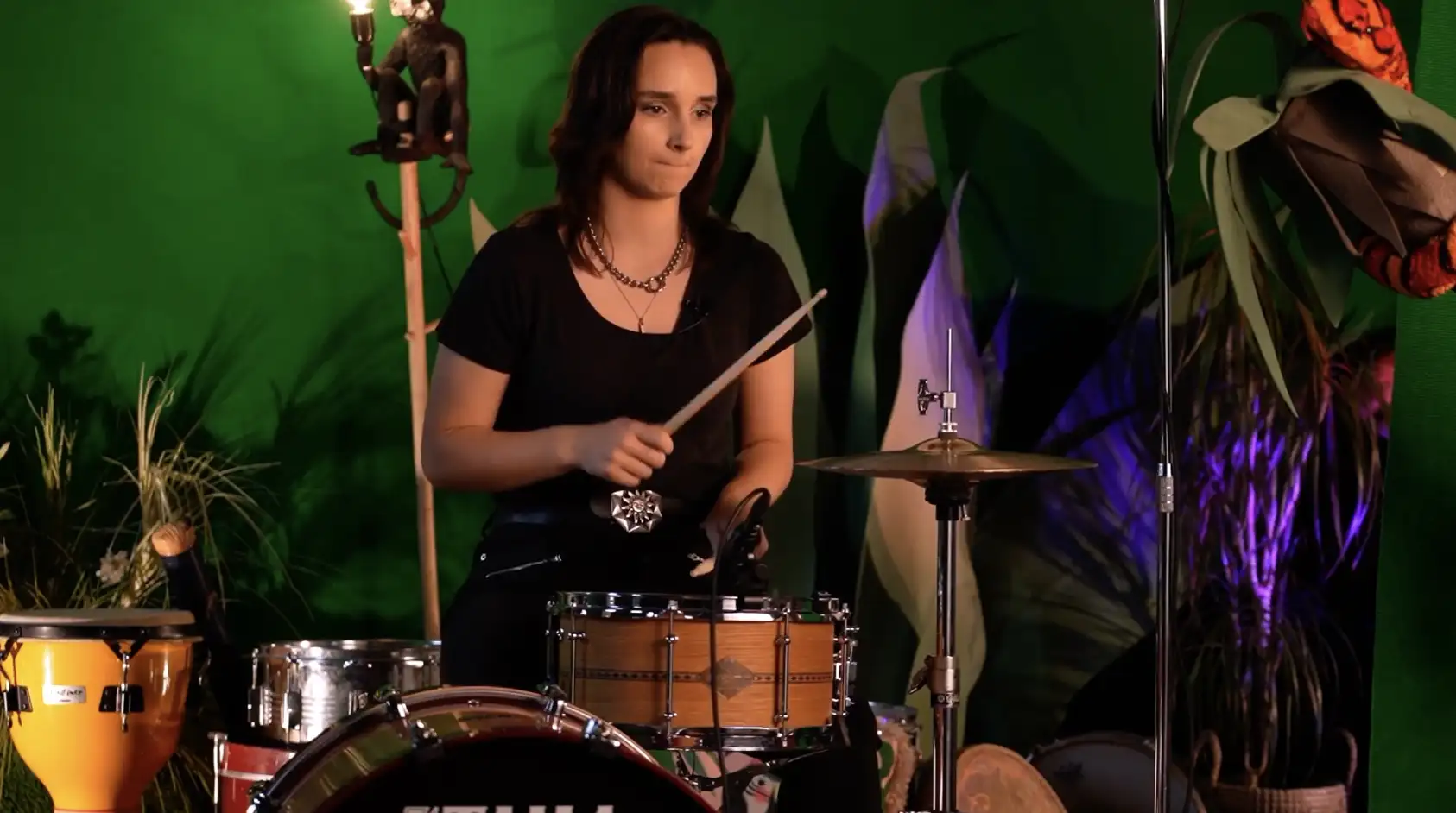
In Clap Tap Pat, clap your hands, tap your shoulders and pat your head. Can your child invent the next pattern for you to copy?
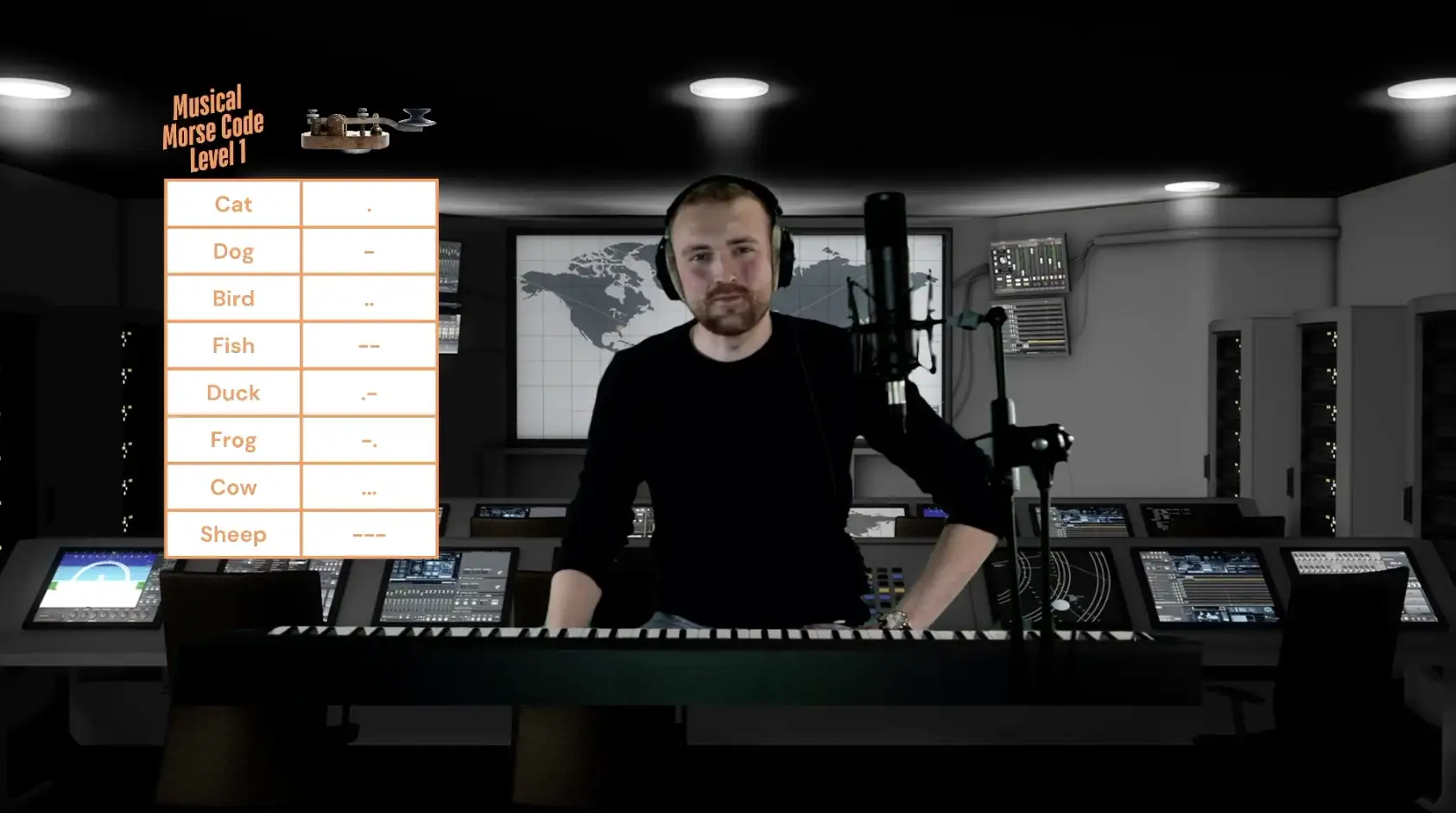
Pause a demonstration, repeat a tricky rhythm or move on when your child feels ready.
For a regular music lesson, choose a year group in Schemes of Work. Each session has the songs, recordings and instructions ready to open.
Open the Teacher Notes before you play. You’ll find what to have ready, how to introduce the activity and a simpler version to try if your child needs it.
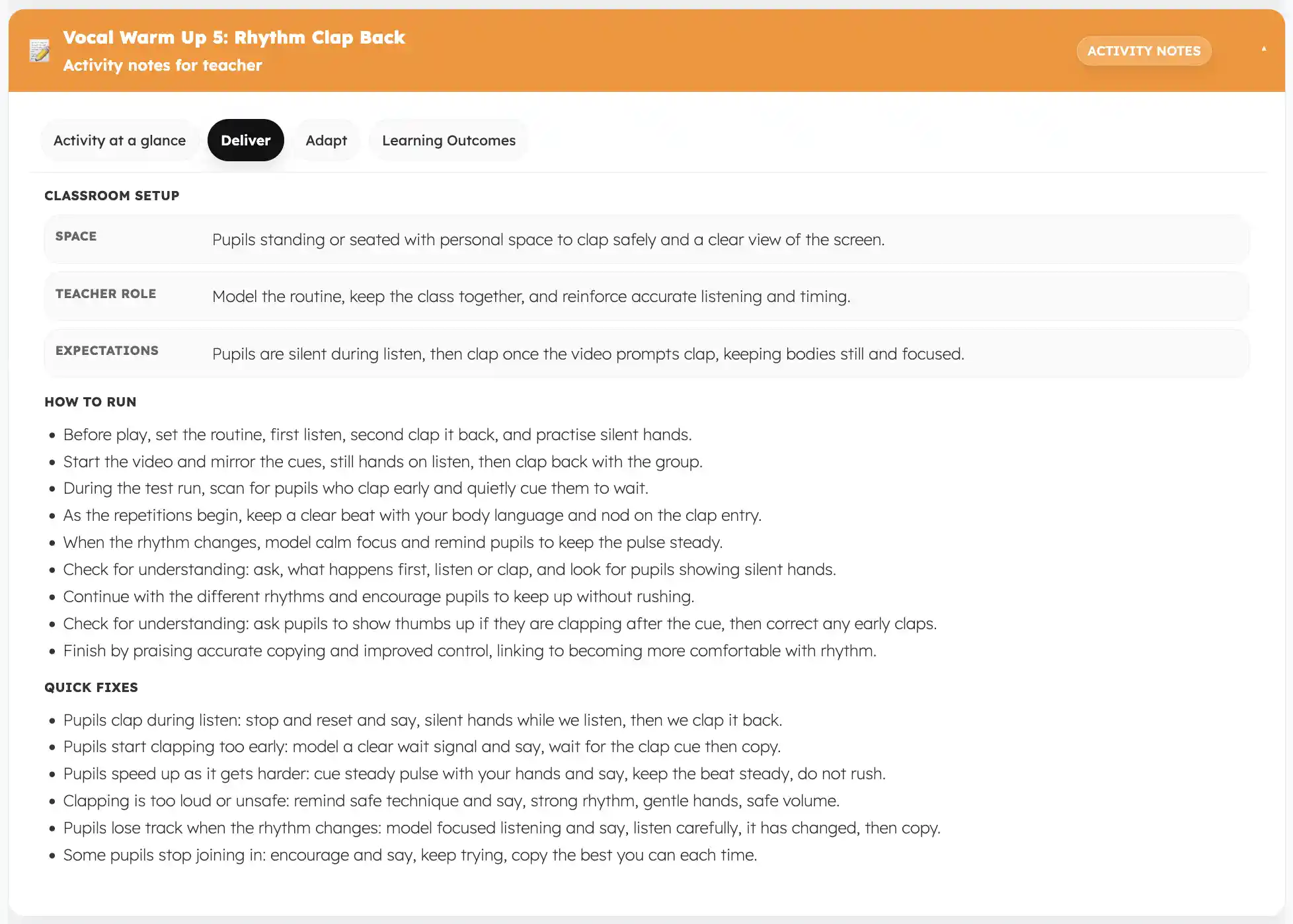
Follow ready-made lessons, put your own session together or pick one thing to play today.
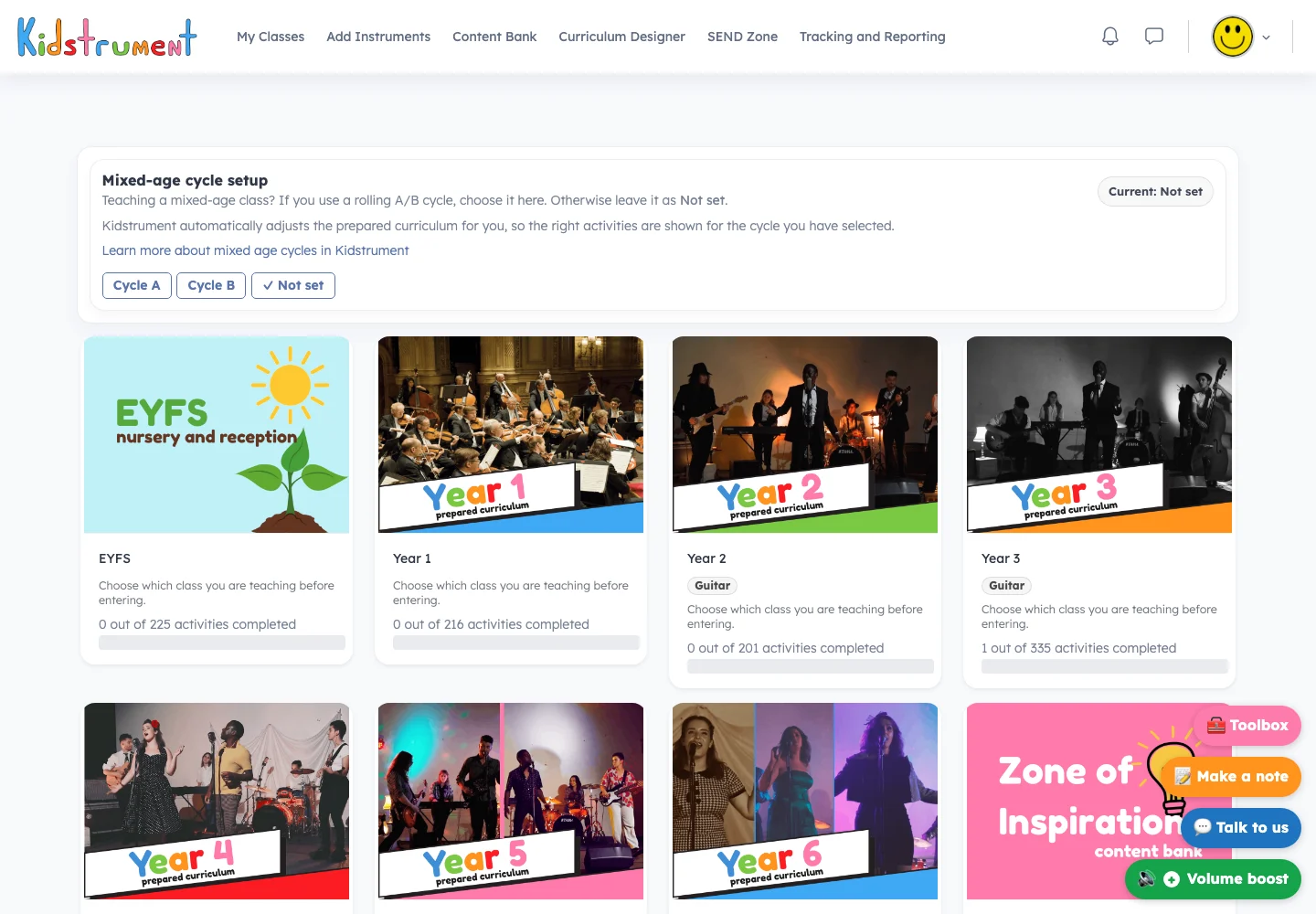
Choose a year group from Nursery to Year 6 and open the first lesson.
Explore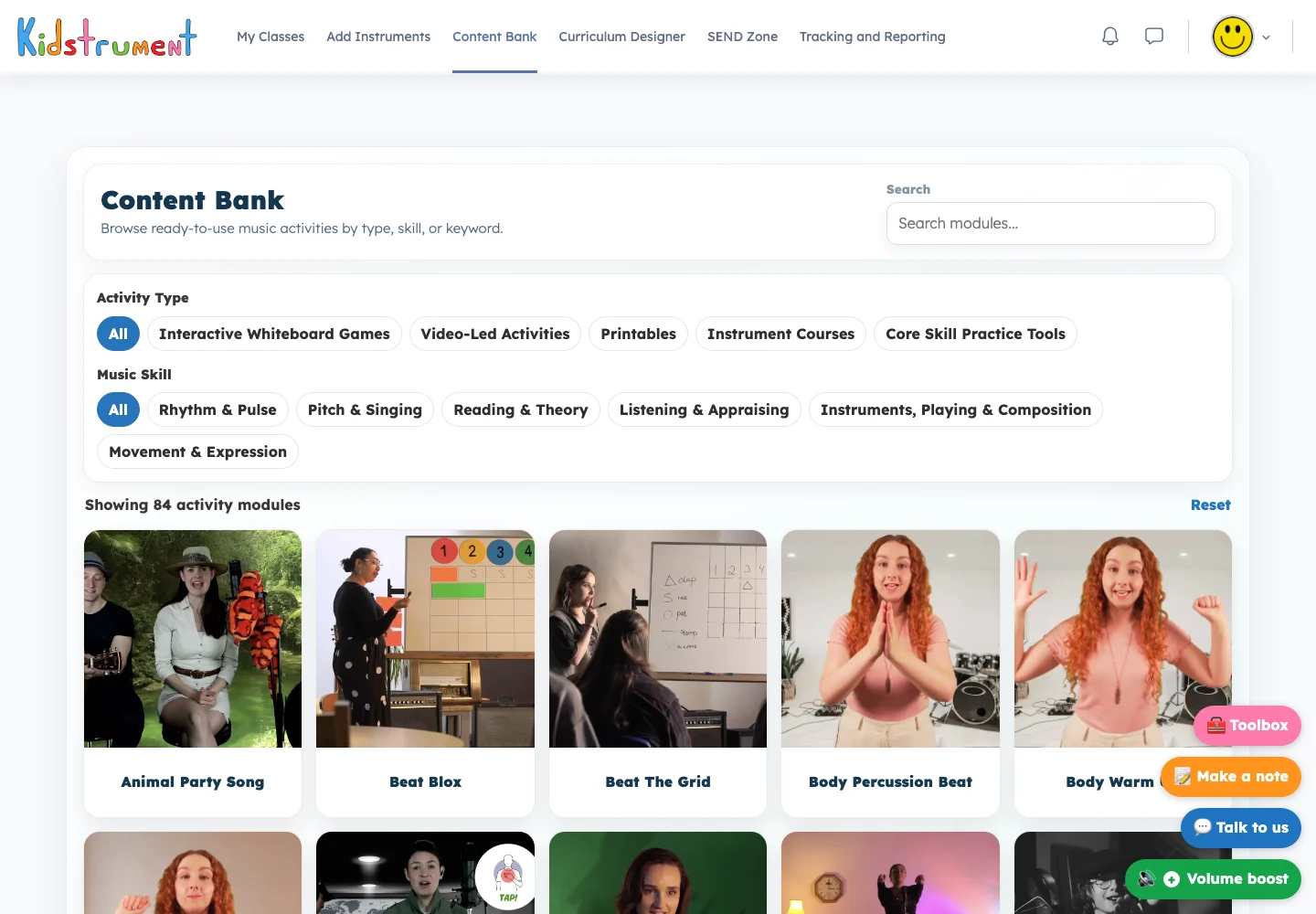
Find a song to sing, a listening game or something to play on your child’s instrument.
ExploreBring favourite activities together into a sequence that suits your child.
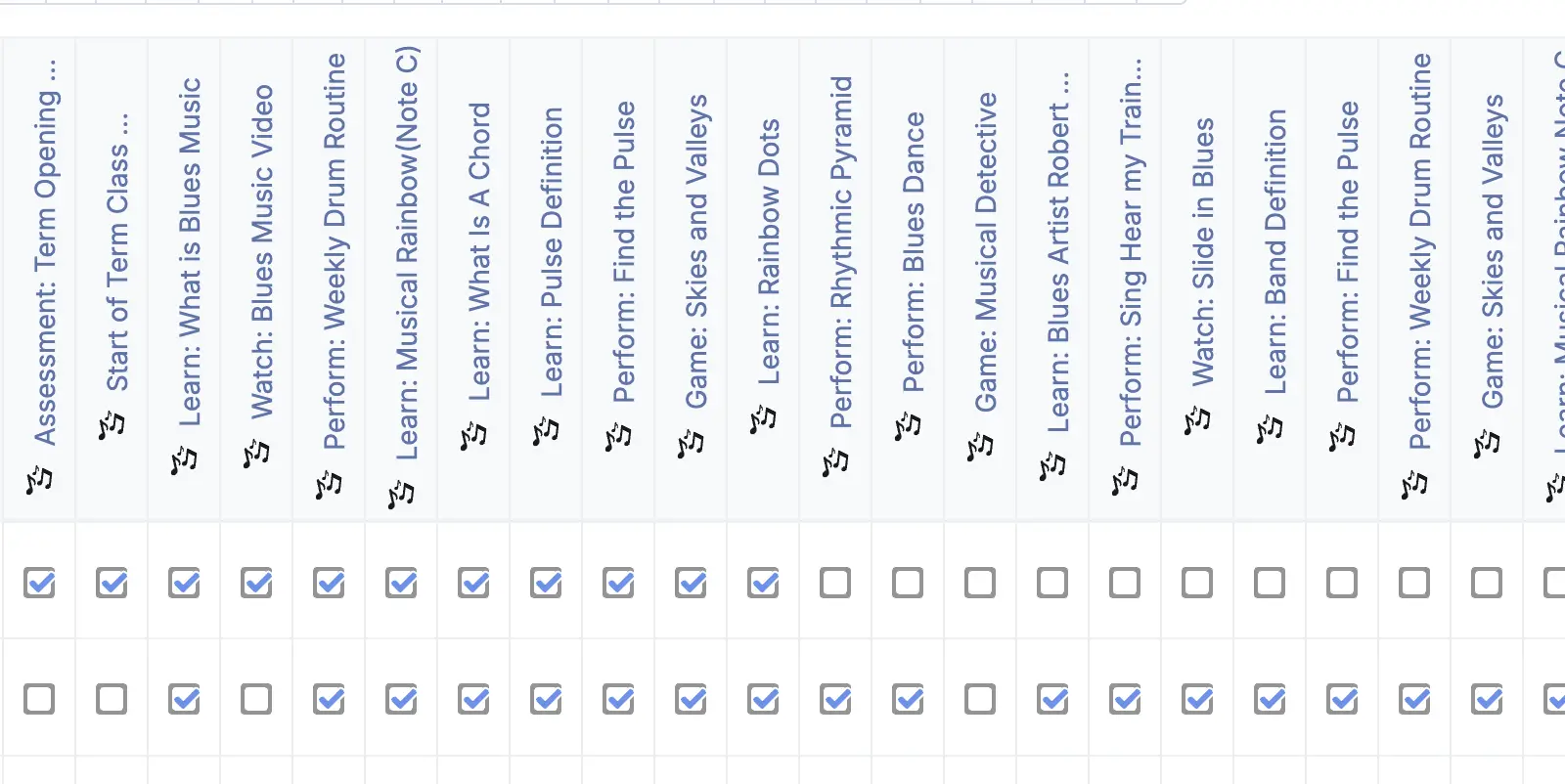
Look back at completed sessions when you’re deciding what to practise next.
Both plans include the full music programme for one parent or carer account, with a private workspace for your family. Add a card at checkout to start your trial.
£14.99 per month
Start free trial£143.90 per year
Start free trial£0 today. After 14 days, we’ll charge you for the plan you choose. It renews automatically. Cancel before the trial ends to avoid the first charge.
See pricing and trial detailsStart with one lesson. Your workspace keeps the next one ready for whenever you want to play again.
Pick a scheme for regular lessons or find a single activity to play today.
Read the short activity notes, press play and sing, listen or move along.
Come back to your workspace for the next lesson or repeat a favourite.
Here’s where to choose a scheme, open your next session and find something extra for your child to try.
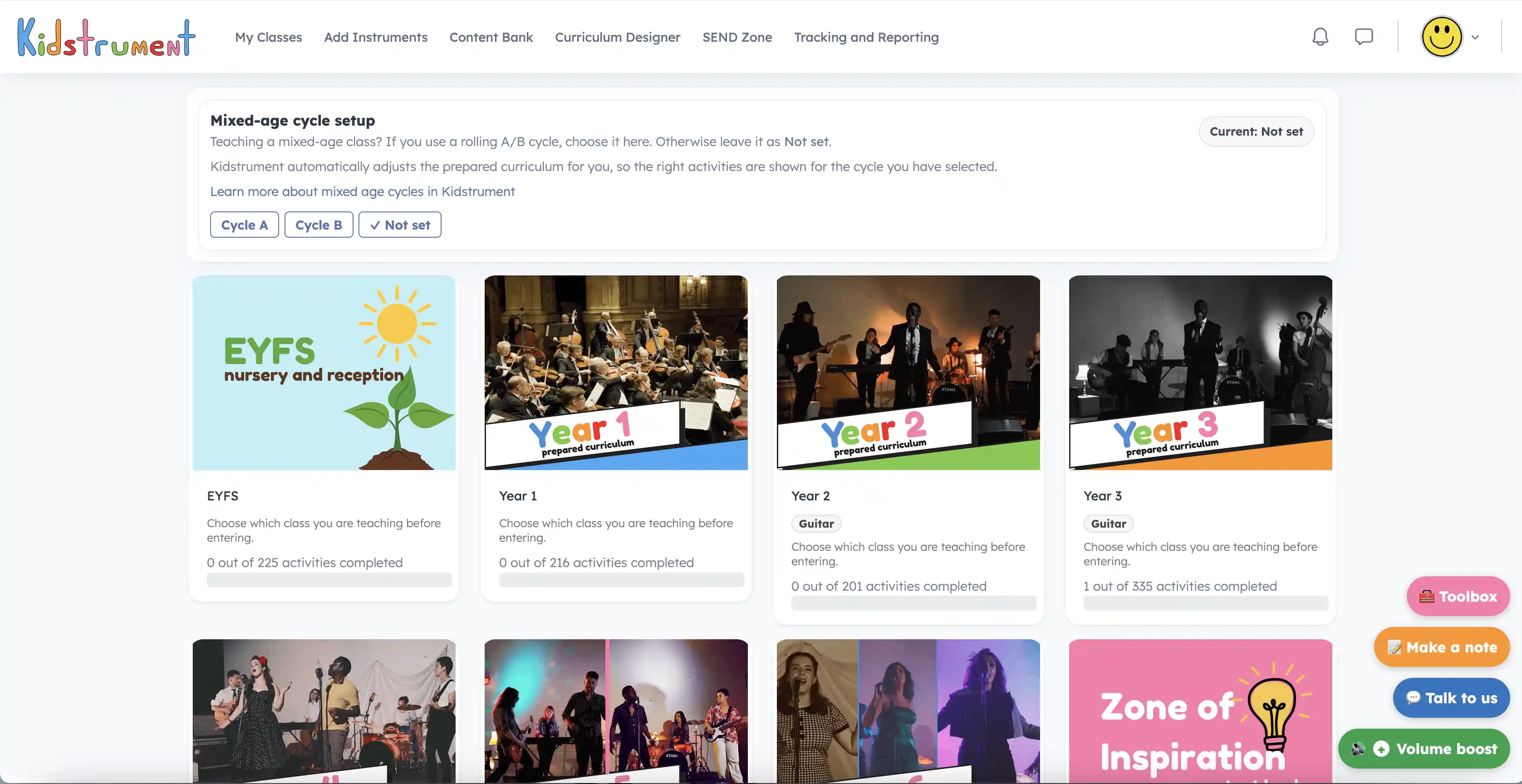
Open a tile to explore the music for your child’s stage.
Explore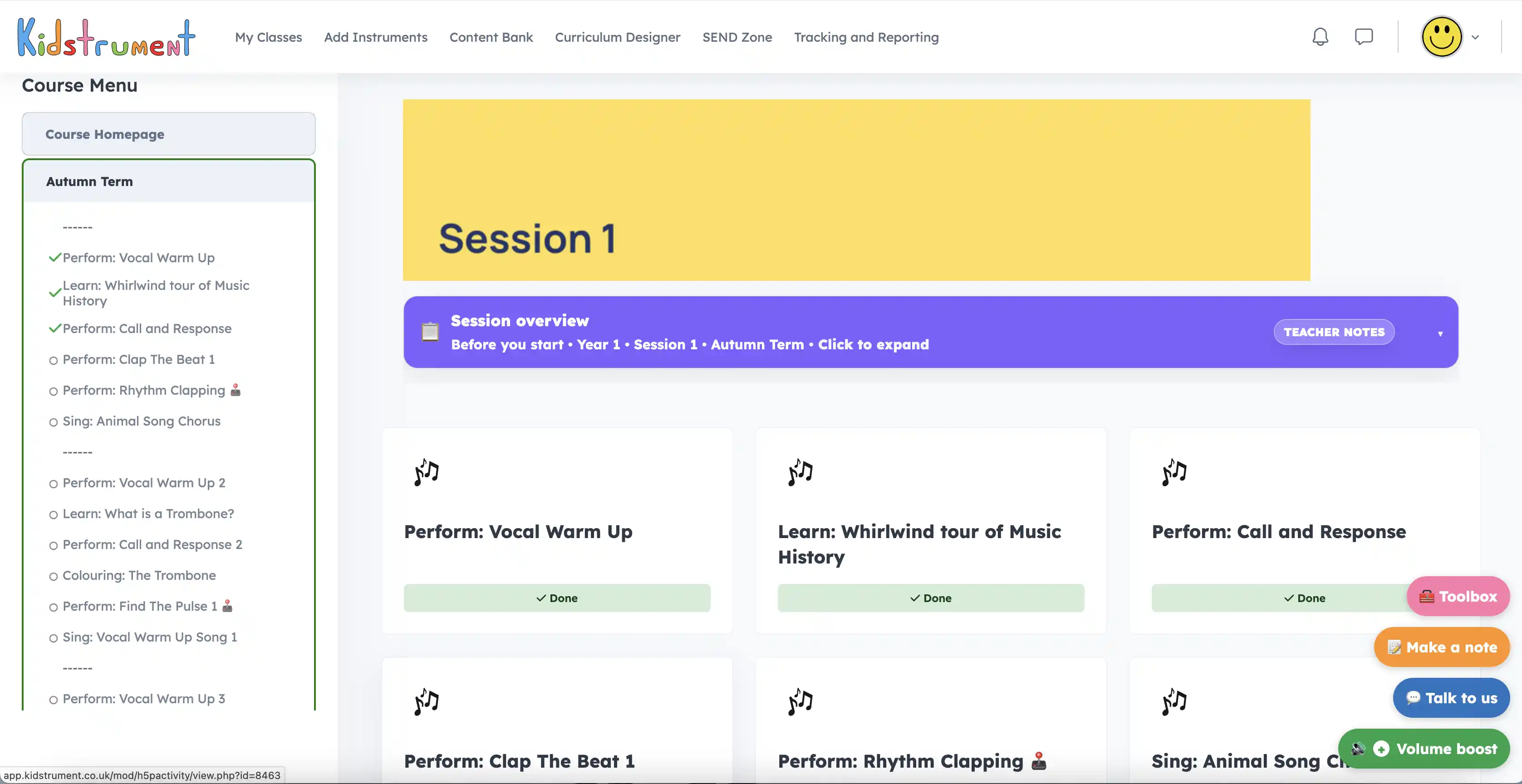
Choose a session and see its activities in the order you’ll play them.
Explore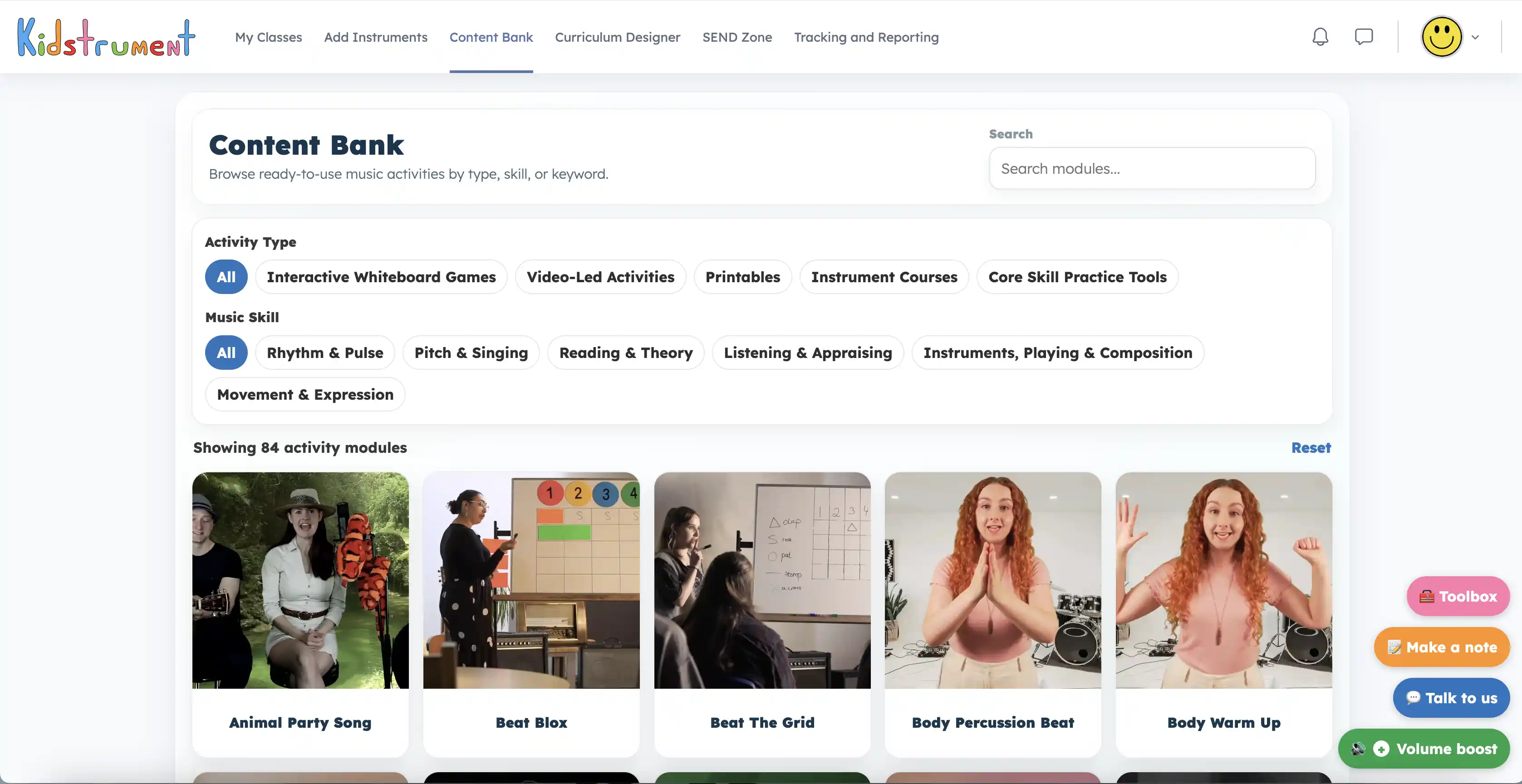
Search for rhythm, a song or a favourite instrument.
Explore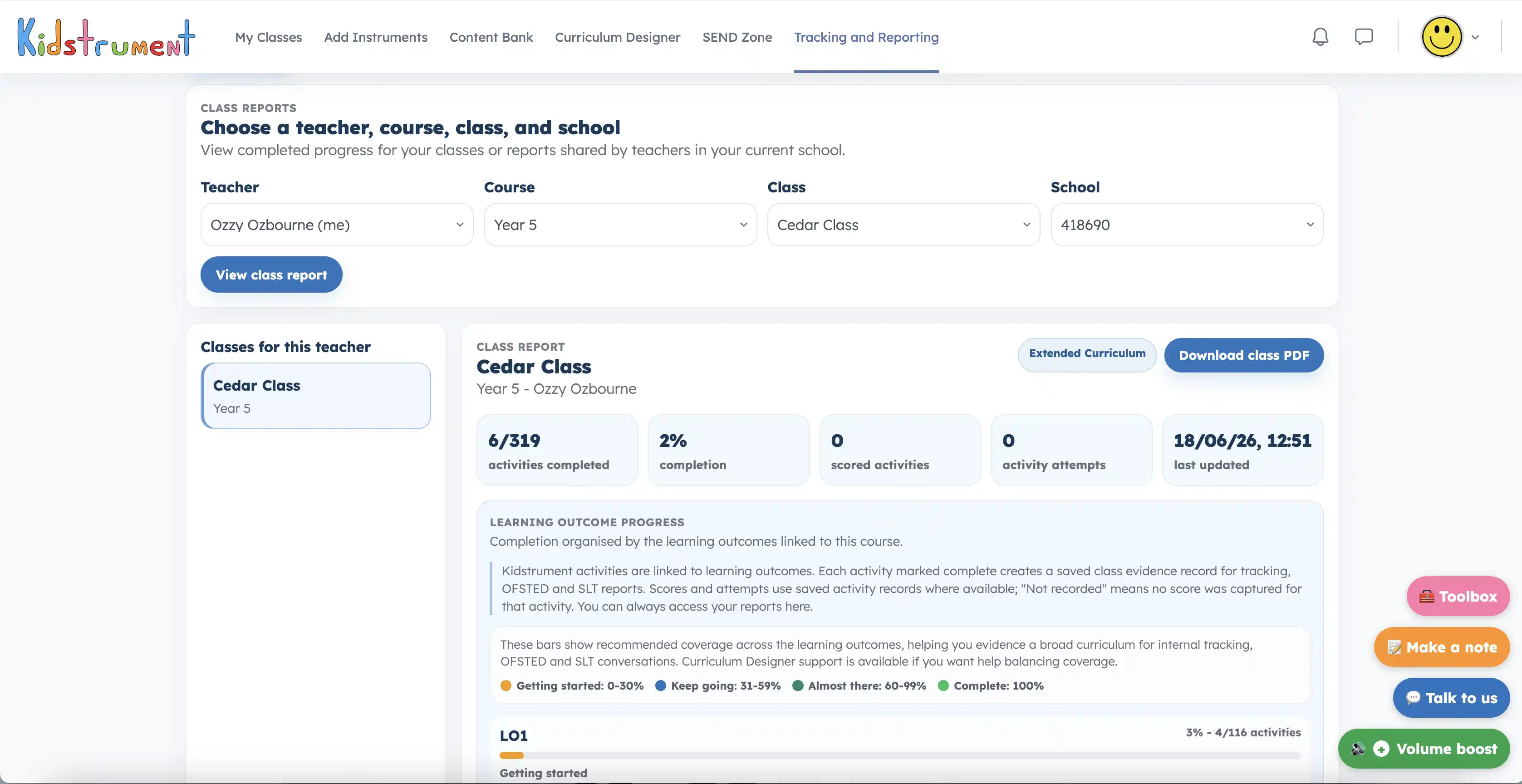
Use the session record to see what you’ve explored together.
The activity record shows which sessions you’ve completed. Use it to find a favourite song again or decide which musical skill to practise together.
Kidstrument is a very easy-to-use scheme that is sequenced to ensure all students get the very best from their music lessons. The lessons are fully planned and easy to follow with interactive videos throughout...
It is exciting to see such an enriching and accessible music scheme finally available! Staff are ably supported to deliver high-quality sessions...
Try Kidstrument free for 14 days. No payment today.
Start a 14-day free trialExplore examples