Curriculum Designer
Choose activities and save them in the order you’d like to play them. Start with a song your child loves, add a listening game and finish with a few minutes on their instrument.
How it works
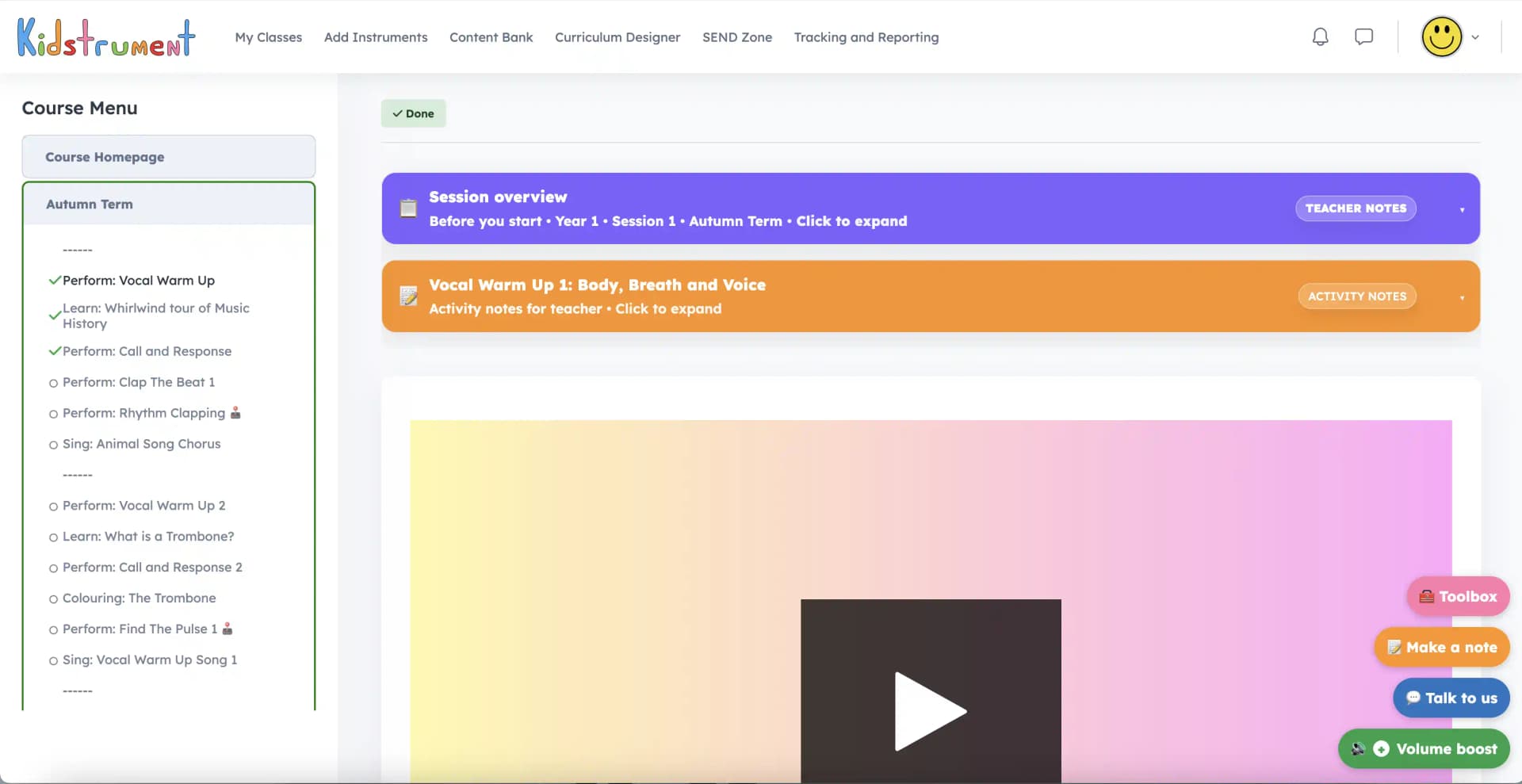
Choose a lesson, open the first activity and press play. You and your child can sing, clap or listen along to the same demonstrations used in primary schools.
Your first session
Start with your child’s year group. Open the first lesson and try one song or game together. You can always pick up the same lesson another day.
Open a ready-made lesson, pick an activity for today, or use the Curriculum Designer to save a sequence to come back to.
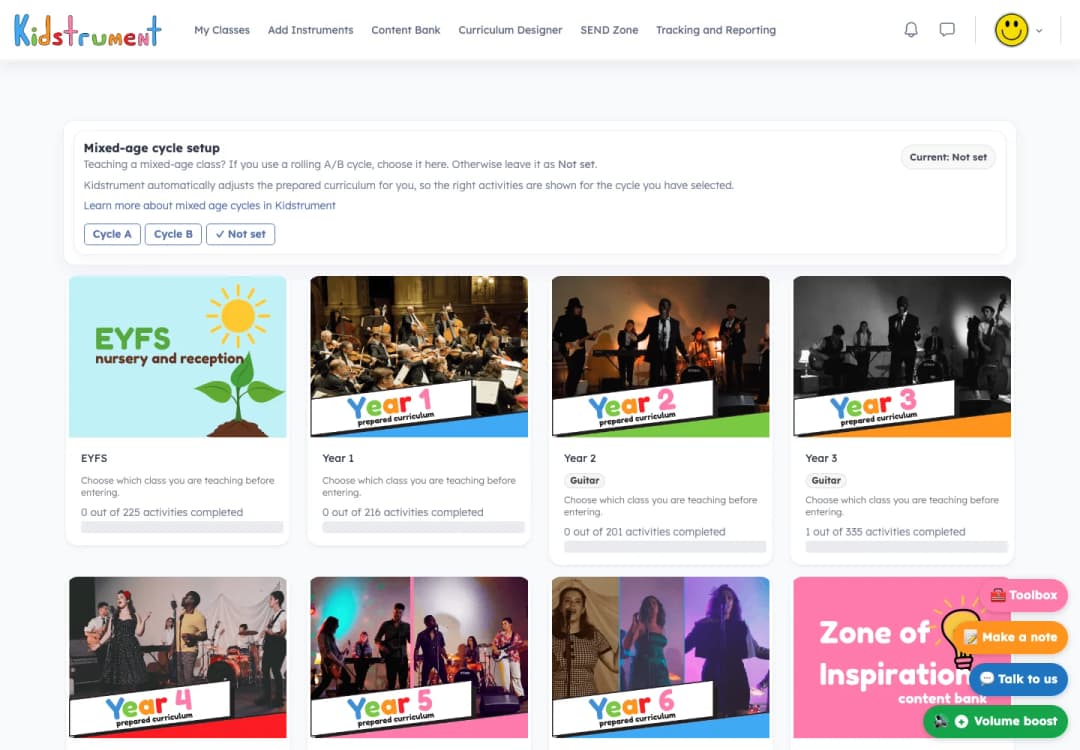
Choose a sequence from early years to Year 6. Each lesson builds on the listening, playing or singing your child has already tried.
Open page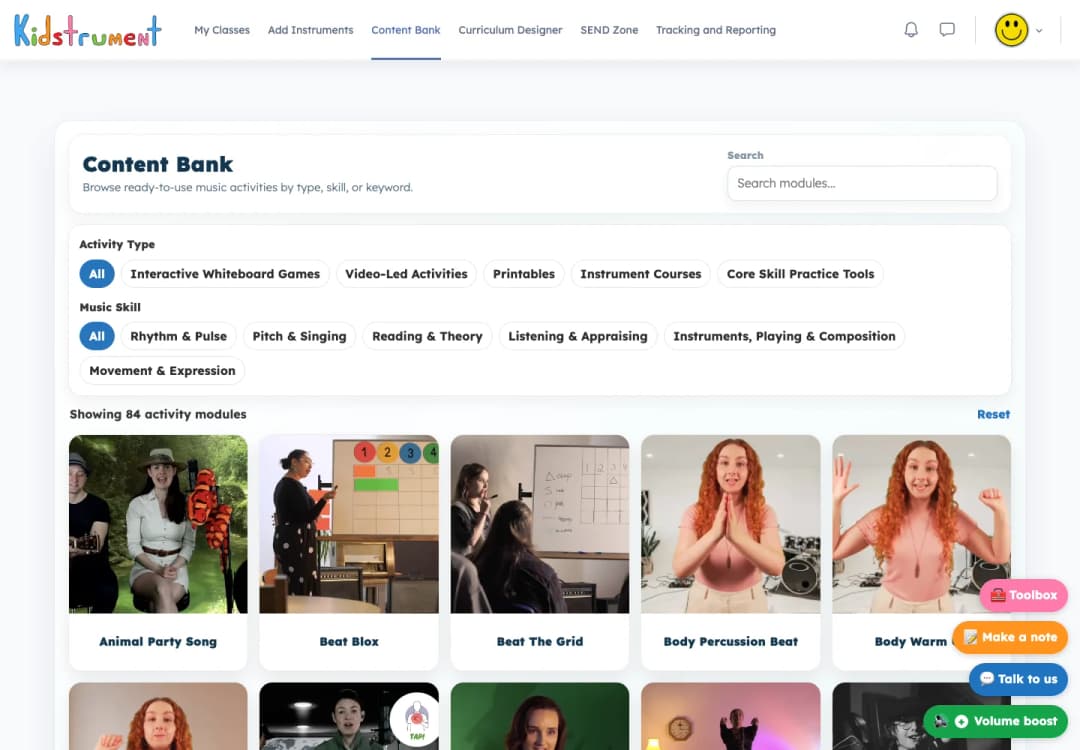
Find a song, a rhythm game or a listening activity to match your child’s interests. Return to favourites whenever you like.
Open pageChoose activities and save them in the order you’d like to play them. Start with a song your child loves, add a listening game and finish with a few minutes on their instrument.
Help for parents and carers
Open the Teacher notes beside the activity. You’ll find the aim, a starting prompt and ideas for making it easier or more challenging. You can read them before sitting down together.
Some days you might work through a whole session. On others, a song and a few minutes tapping the pulse might be just right.
Read what to listen for, how to get started and what you can change.
Follow a scheme, repeat yesterday’s favourite or choose a challenge from the Content Bank.
Look back at completed lessons to remember what you played and decide what to practise next.
Try a rhythm or pitch challenge for a few minutes, then go back to the song and hear the difference.
Practice tools
Use a short game to hear the difference between two notes, copy a rhythm or practise a pattern before returning to the lesson.
Explore the lessons and activities together. Add a card at signup, with no payment today. After your 14-day free trial, billing starts at £14.99 a month or £143.90 a year, depending on your plan.