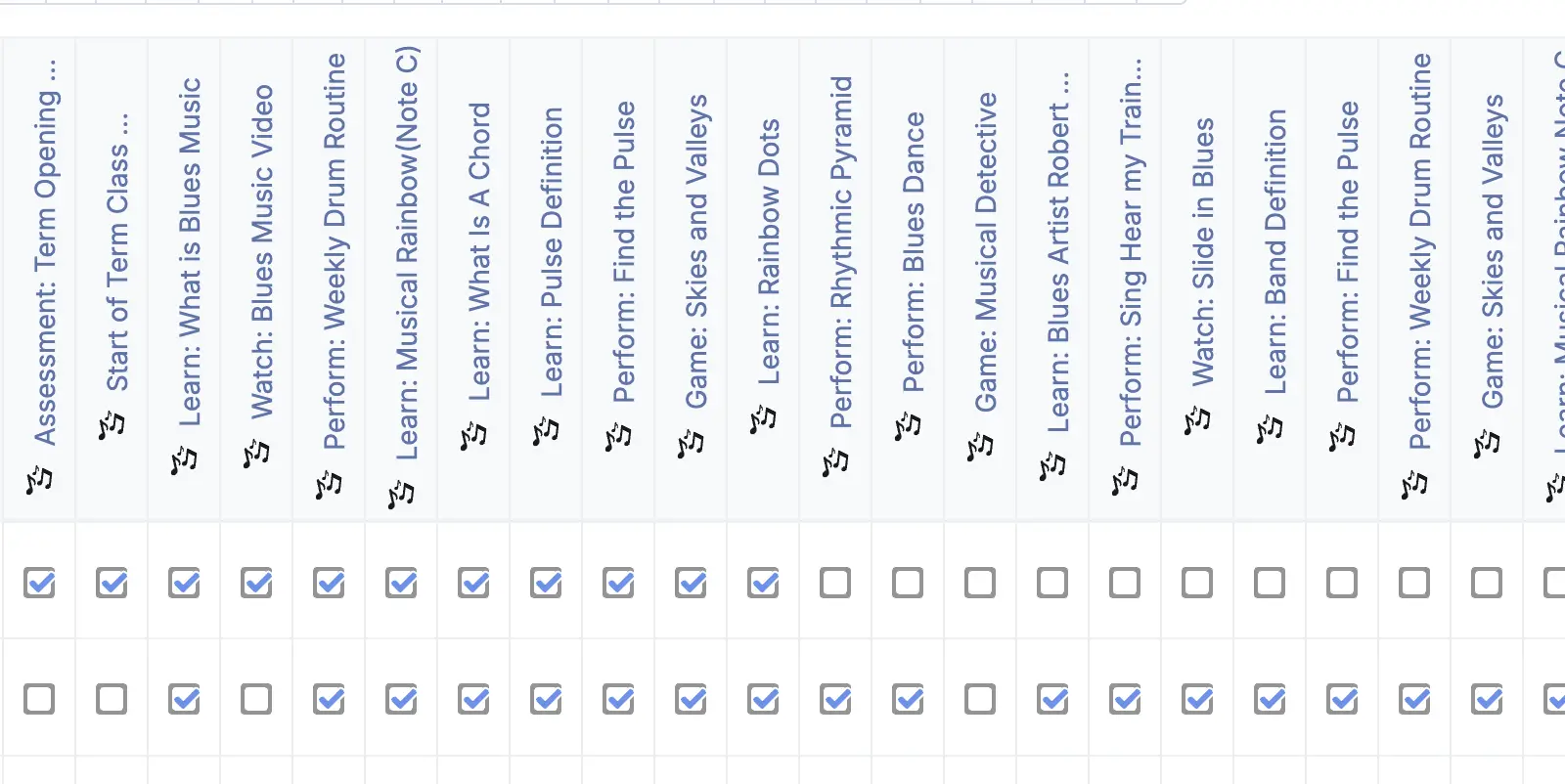
A record of your sessions
See which sessions you have completed, revisit a favourite activity and decide what to practise next.
EYFS • Key Stage 1 • Key Stage 2 • Years 1–6
The same Kidstrument music programme used in primary schools, ready for you to use at home. Follow a fully planned lesson together, or choose a song, music game or instrument activity that suits your child.
Take the 5½-minute tour of the programme you’ll use at home.
Sing with the musicians your child sees on screen, pause to try a rhythm together and come back to a favourite song. These are the same lessons primary schools use.


Start with a planned lesson or follow a musical idea of your child’s own.
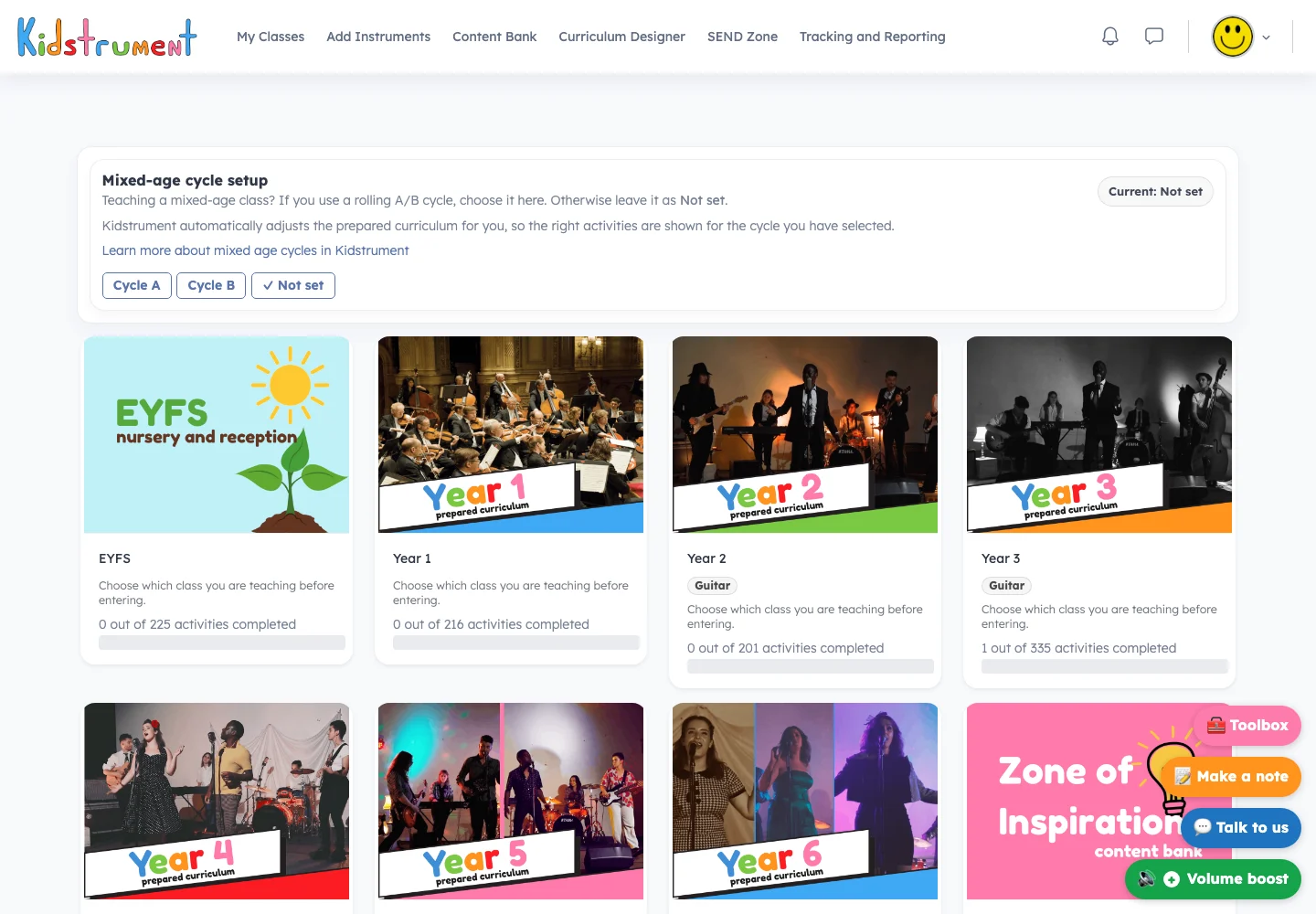
Choose Nursery, Reception or Years 1–6. Open the first lesson and follow the songs, listening activities and practical music-making in order.
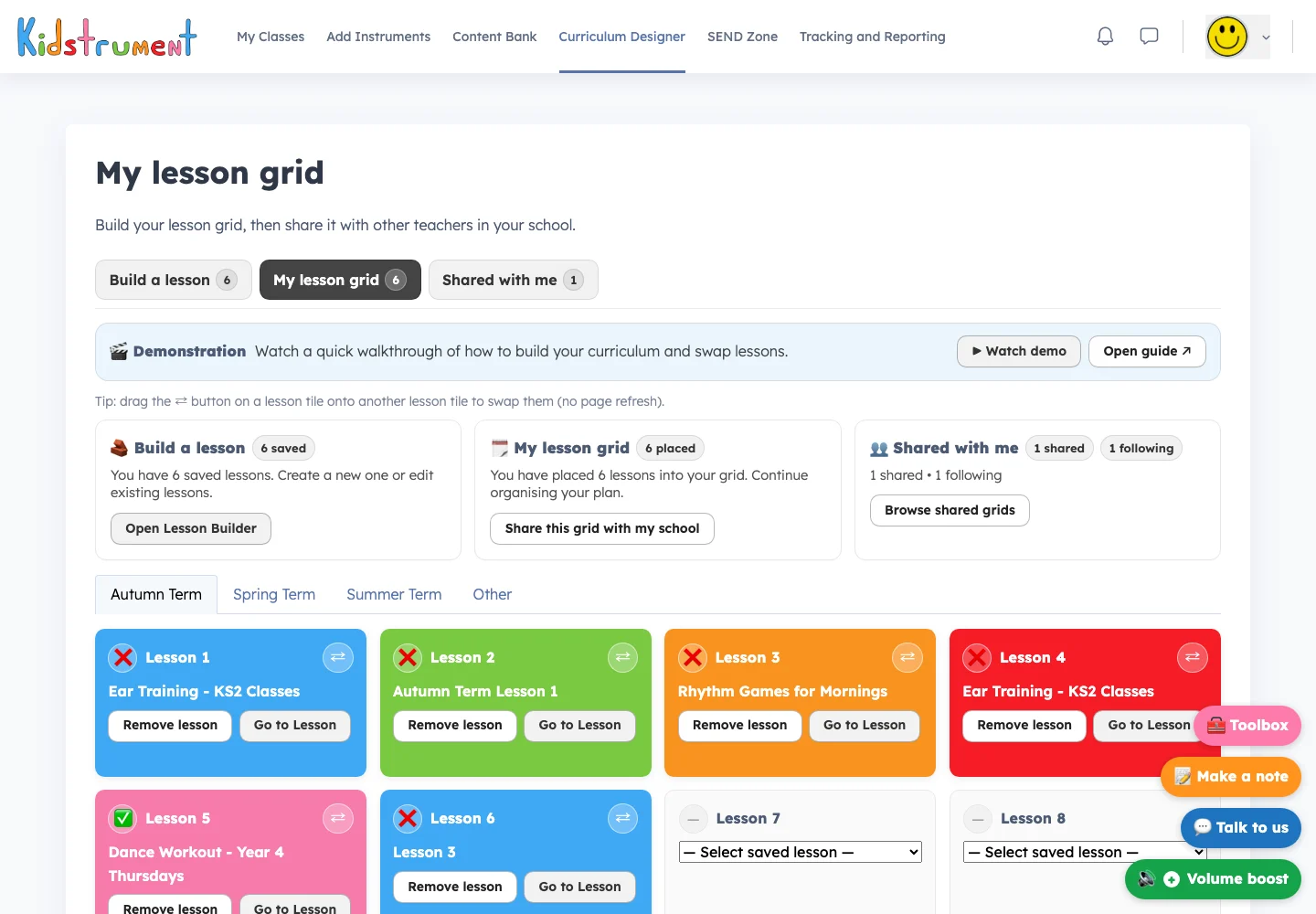
Does your child love drumming? Start with a beat, let them invent a rhythm for you to copy, then put their favourite activities together in the Curriculum Designer.
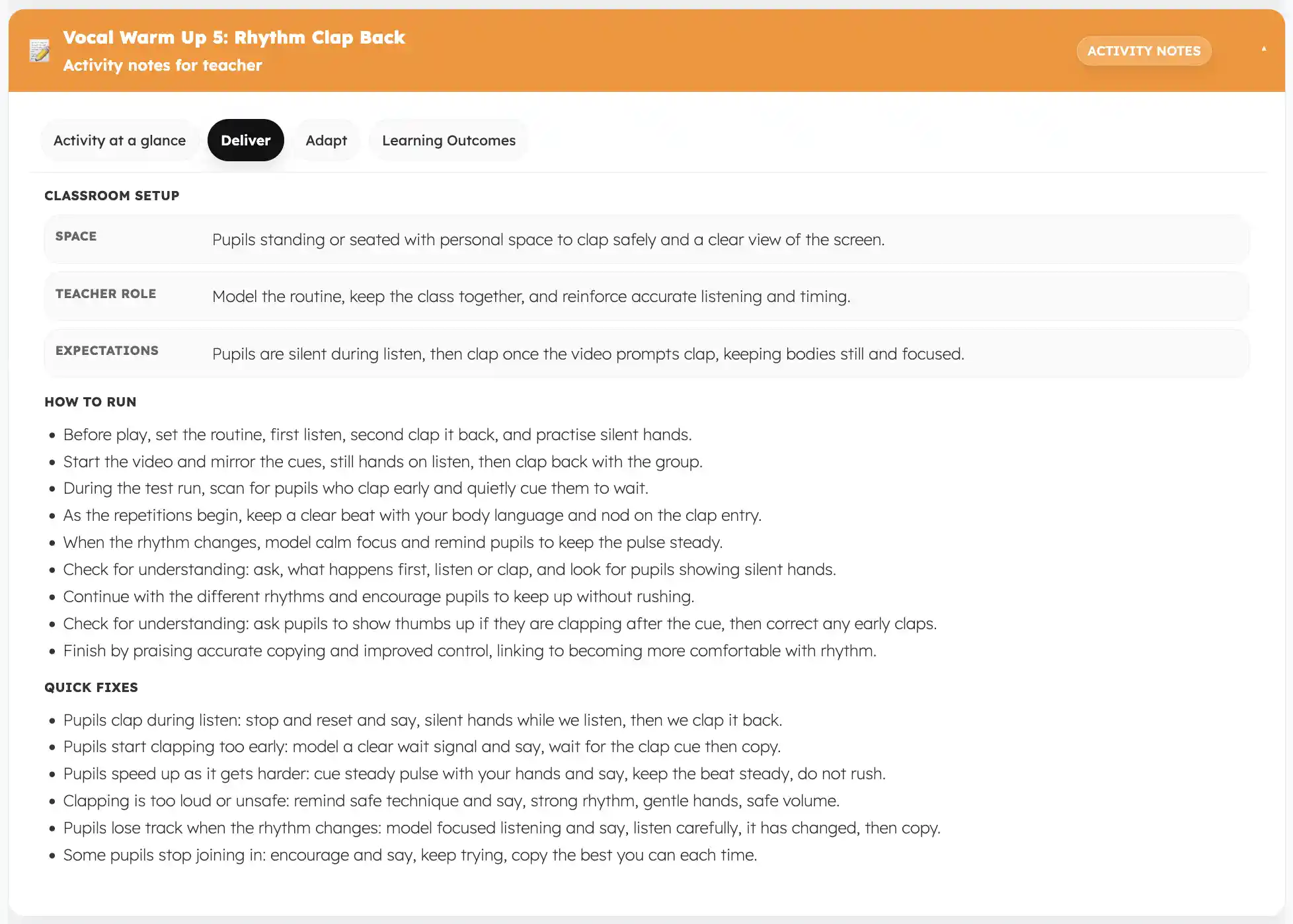
You can lead a lesson even if you have never taught music before. Open the teaching notes for guidance like this.
Sing, listen, move and play together. Explore the teaching ideas behind four ways your child can make music.
Echo a sung phrase in Rainbow Dots, then try reading the rhythm.
Step to the pulse and copy a movement pattern in Rhythmic Pyramid.
Speak and clap rhythms, then invent a percussion pattern with Beat Blox.
Watch a musician play a short phrase, listen again and take turns copying it.
If your child loves a song, start there. Sing it together today and try clapping its rhythm next time.
Your family account gives you all the lessons, instrument demonstrations and music games in one place.

Sing with the band or pause a recorder, guitar or ukulele demonstration while you try the fingering.
Explore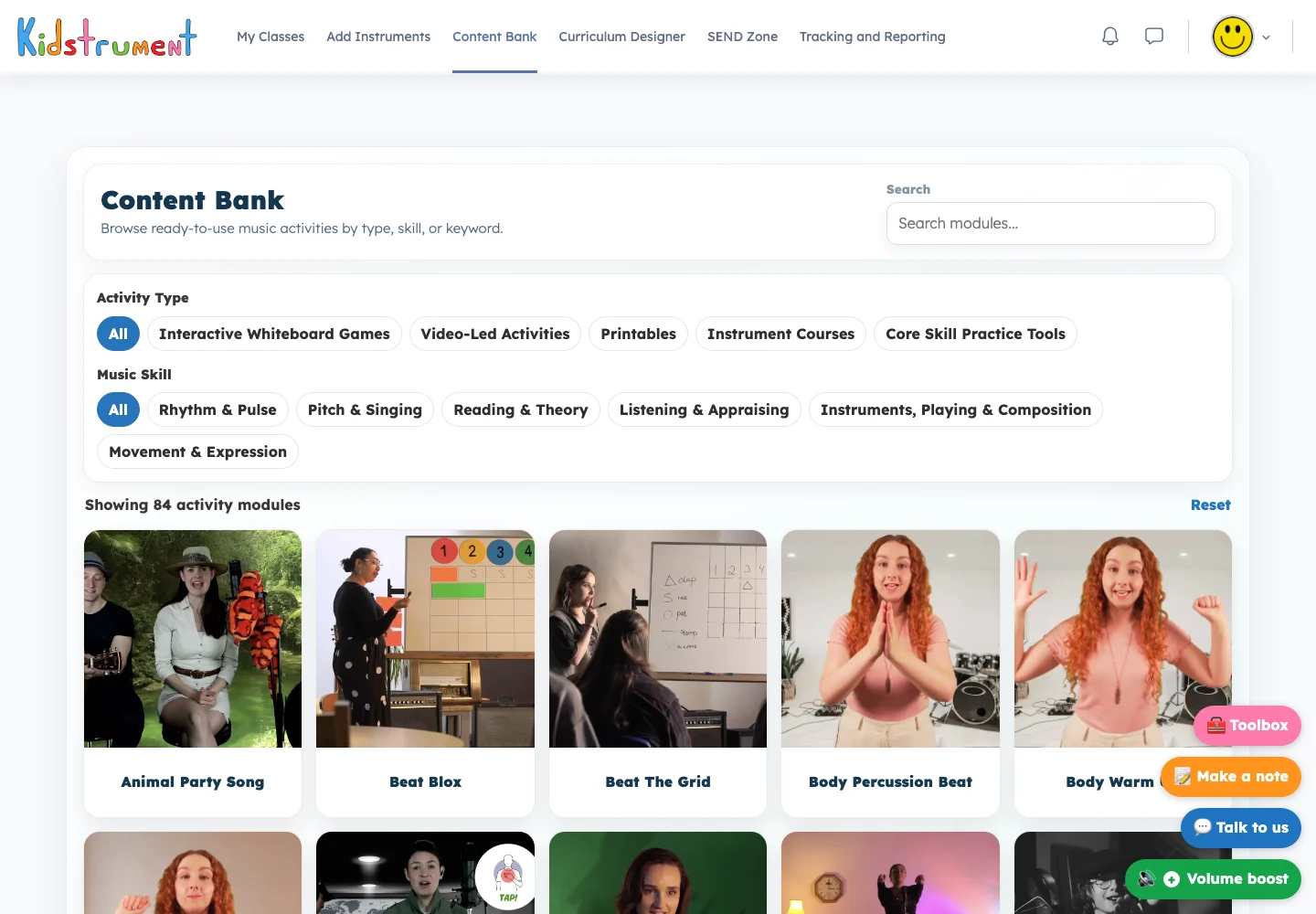
Choose from 1,600+ activities covering singing, listening, music games, instruments, theory and composition.
ExploreFollow a ready-made sequence or save a series of lessons around the music your child wants to make.
ExploreSee which sessions you have completed, revisit a favourite activity and decide what to practise next.
Both plans include the full music programme for one parent or carer account, with a private workspace for your family.
£14.99 per month
Start free trial£143.90 per year
Start free trialCard required. £0 today. Billing starts after your 14-day free trial. Your plan renews automatically.
See pricing and trial detailsYou can start as a beginner. Watch a musician demonstrate, read the teaching notes and try the first phrase or rhythm together. If you already play, you can use the Curriculum Designer to build a lesson around a song, instrument or skill your child wants to explore.
Start with a device that plays sound, an internet connection and room to sing, clap or move. For an instrument course, such as recorder, ukulele, guitar or glockenspiel, have that instrument to hand.
Add a card at checkout. There’s £0 to pay today. After your 14-day free trial, billing starts at £14.99 a month or £143.90 a year, depending on your plan. Your plan renews automatically. You can manage or cancel your subscription from your account.
Kidstrument is a very easy-to-use scheme that is sequenced to ensure all students get the very best from their music lessons. The lessons are fully planned and easy to follow with interactive videos throughout...
It is exciting to see such an enriching and accessible music scheme finally available! Staff are ably supported to deliver high-quality sessions...
Try your first music lesson together. No payment today.
Start free trial