More than videos and worksheets
Kidstrument includes interactive tools that support real music learning — helping pupils practise, get immediate feedback, and build confidence through repetition. Teachers can use these tools during lessons, as short starters, or as focused follow-up when a class needs extra practice.
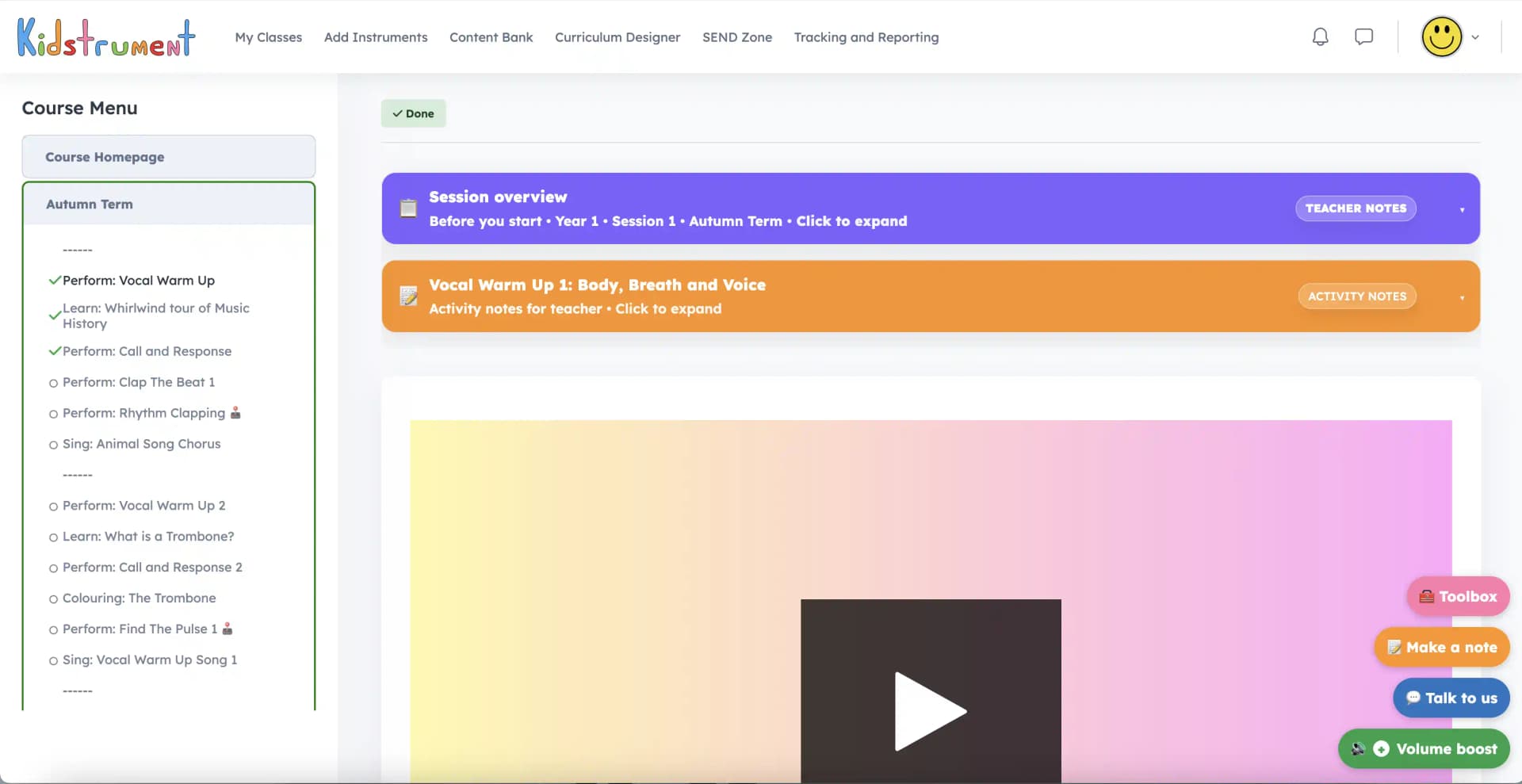
- Practice opportunities are flagged clearly inside the lesson layout.
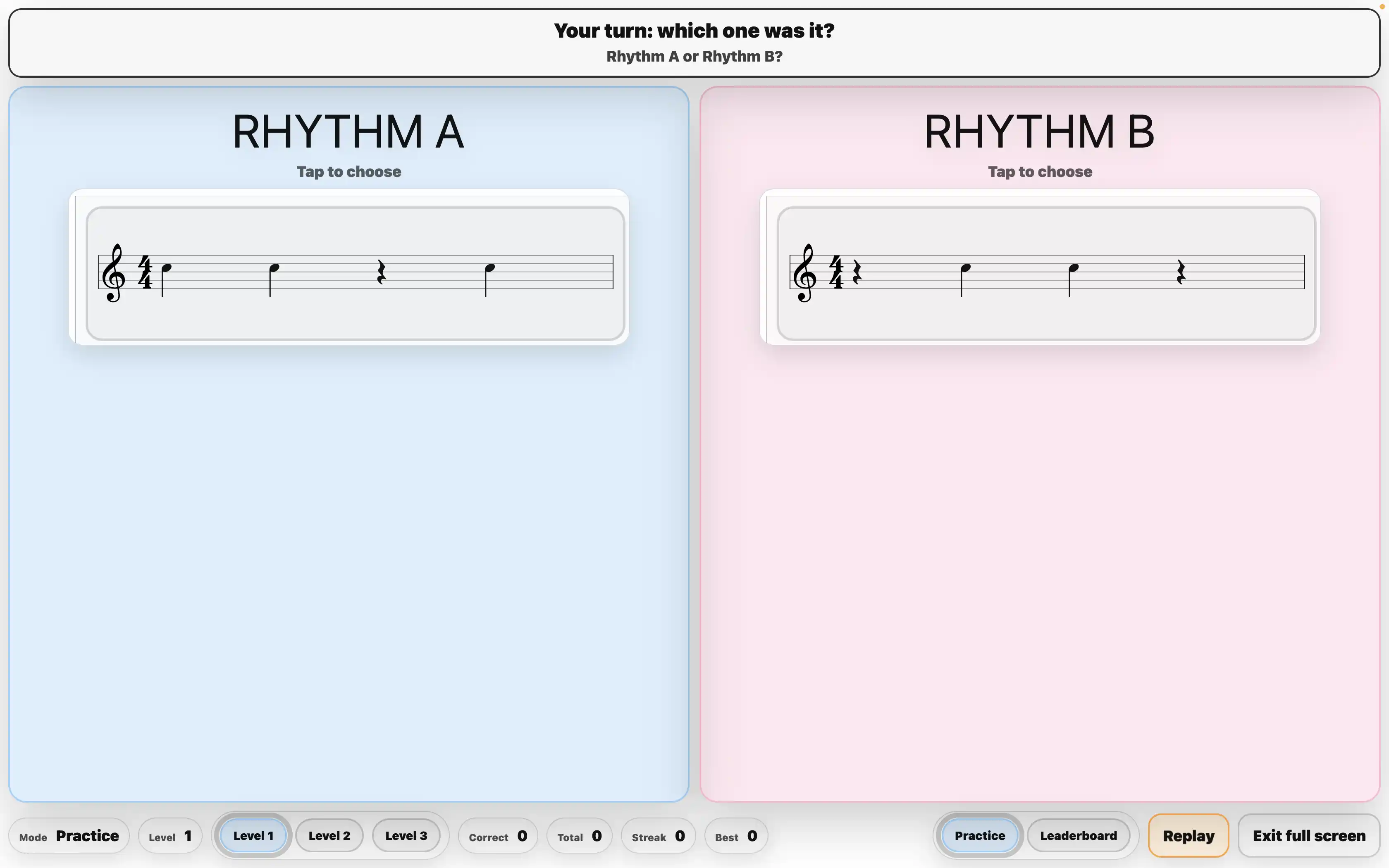
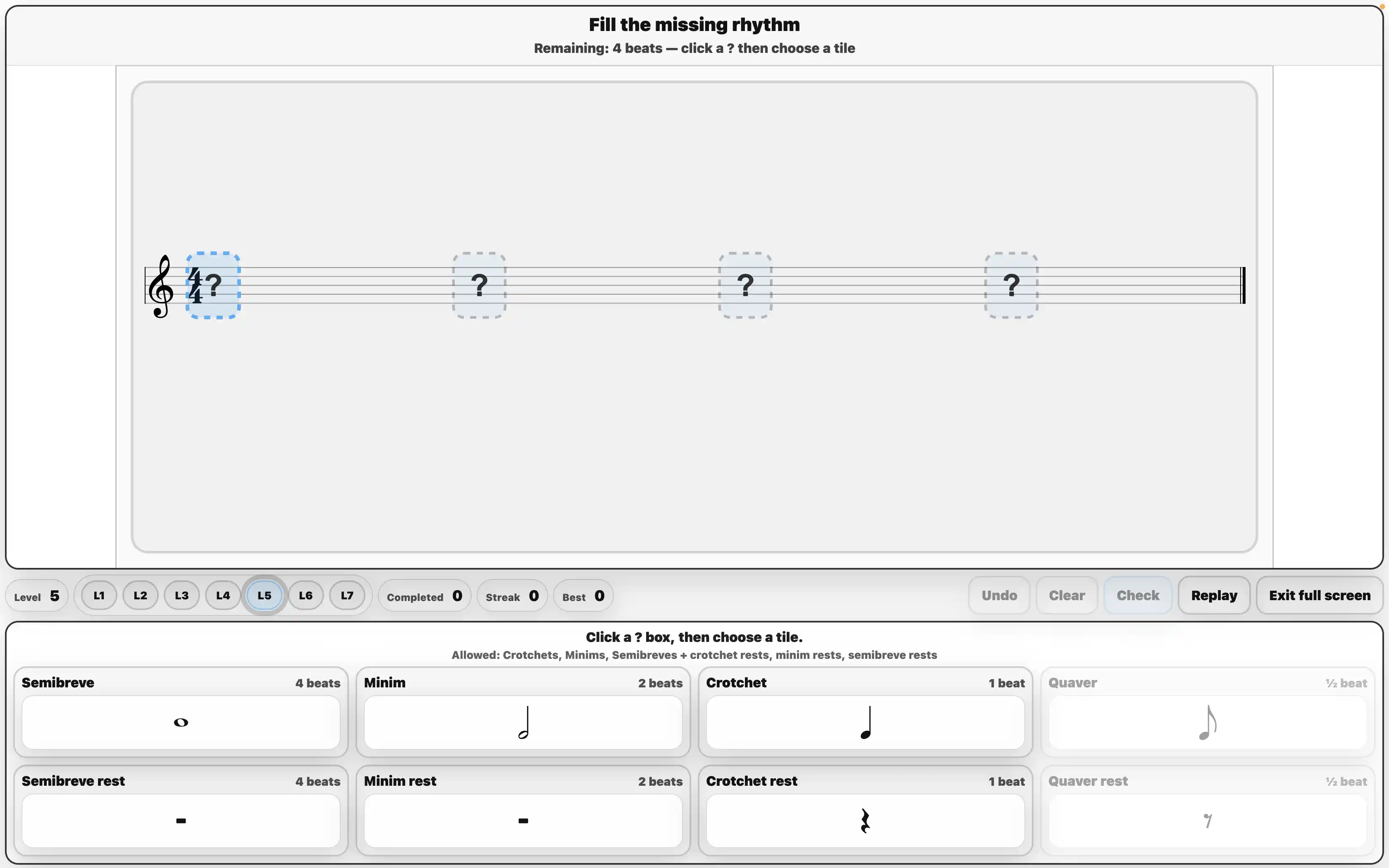
- On-screen instructions make activities easy to run with a whole class.
- Teaching prompts help you respond when pupils get something wrong.
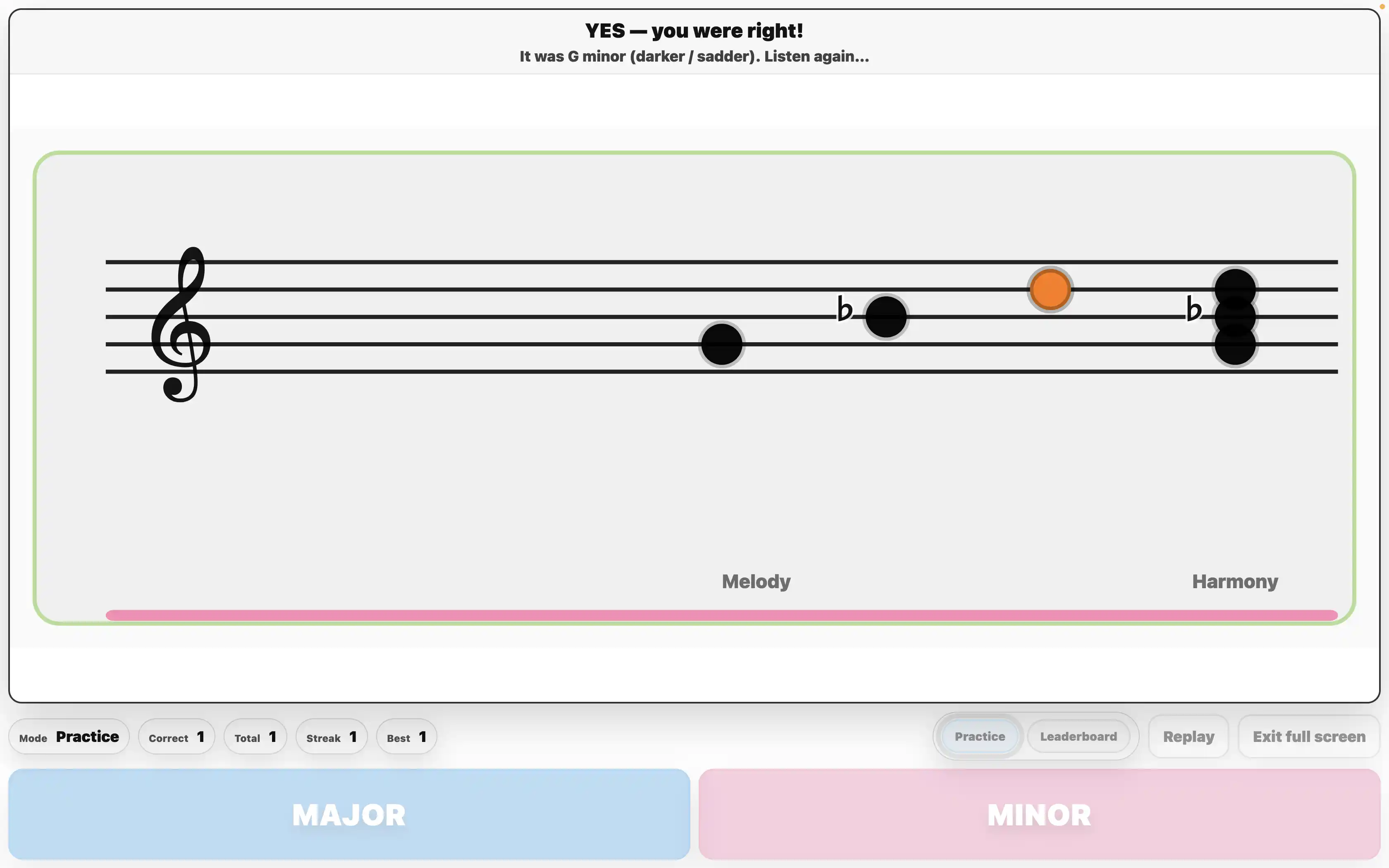
- Optional reward games add motivation and friendly competition (used when you choose).
What teachers see inside
Clear instructions, learning prompts, and optional motivation features — all designed to be usable in a busy classroom.
What these tools help with
They’re designed for classroom reality: quick practice, clear routines, and support when pupils need it.
Focused skill practice
Use a tool to practise one musical idea (e.g. pitch shape, rhythm patterns, recognising notes) without building resources from scratch.

Repetition that stays engaging
Repeat the same concept in different ways so children consolidate learning without it feeling like “the same thing again”.
Support & confidence
When pupils struggle, the tool helps you identify the misconception and choose the right prompt or next step.
Whole-class friendly
On-screen instructions and clear routines make it easy to use with a class, small group, or quick starter.
Designed to fit real timetables
Use tools as quick starters, short practice bursts during a lesson, or targeted follow-up when a class needs extra repetition. They’re built to support teaching without adding prep.