Practice Tools

Quick interactive whiteboard games for building core musical skills. Use them during lessons or throughout the week to strengthen fluency with little and often practice.

Little and often practice that actually sticks

Practice Tools are short, repeatable activities designed for busy classrooms. They target the core musical skills that unlock progress across primary music: steady pulse, rhythm and duration, pitch direction, note reading, and careful listening.

  • Use in lessons as a 3–5 minute warm-up, reset, or quick challenge.
  • Use across the week to build fluency without extra prep.
  • Optional scoring makes it easy to run friendly class or team competitions.
  • Replay and compare to reduce guessing and raise accuracy.
Kidstrument Practice Tools example: Rhythm Rush interactive listening game
Designed for whole-class use on an interactive whiteboard, with clear routines and quick replay.

How teachers use Practice Tools

Simple routines that keep it purposeful and reduce guessing.

3–5 minute bursts

Short practice is enough to build fluency. Use as a warm-up, transition, or end-of-lesson challenge.

Replay to improve

Run once uninterrupted, then replay short sections to secure accuracy and correct misconceptions.

Prompt explanation

Quick questions like “How do you know?” help pupils move from guessing to deliberate listening and reading.

Optional competition

Use class scores, team totals or personal bests to boost motivation while keeping the focus on accuracy.

Practice Tools available in Kidstrument

Each tool targets a core musical skill. Use the categories below to pick the right practice moment for your class.

Rhythm decoding and timing

Build steady pulse, recognise durations, and link what pupils hear to clear rhythmic notation in 4/4.
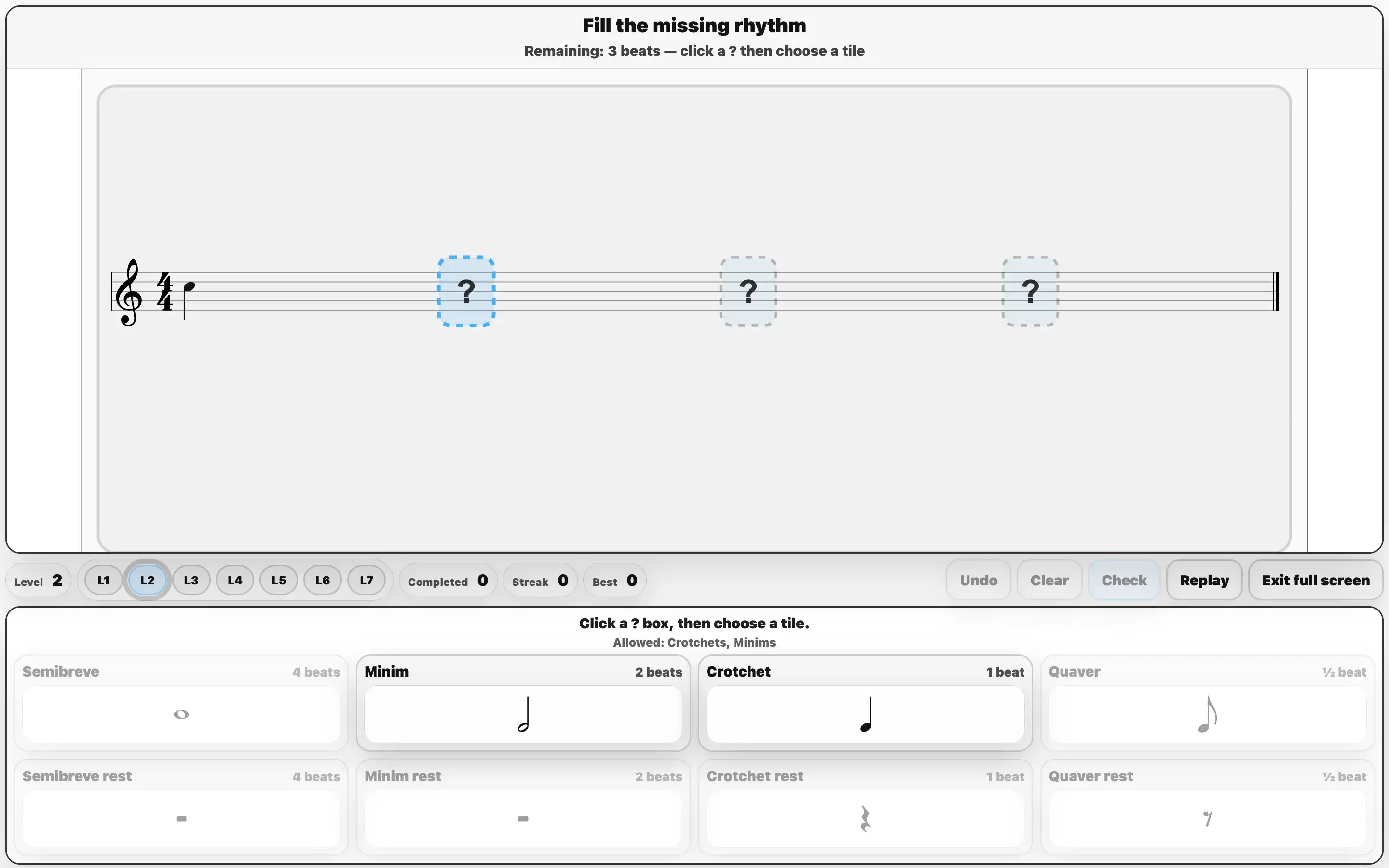
Bar Builder rhythm fill the blanks practice tool
Bar Builder Pupils listen to a 4/4 bar and fill missing rhythm boxes using note and rest tiles, then press Check together.
Pulse • Duration • Rhythm writing
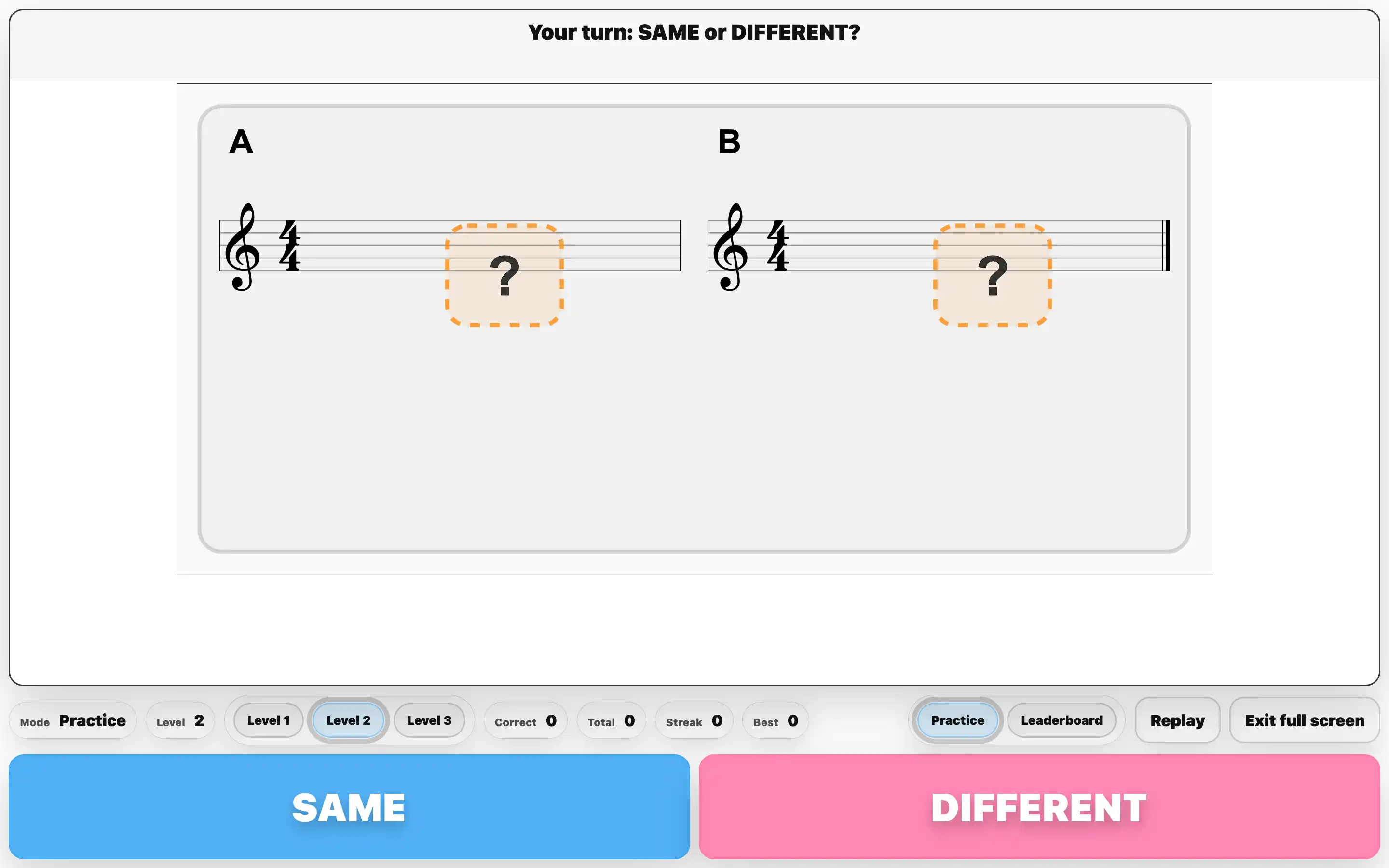
Rhythm Memory same or different listening game
Rhythm Memory Pupils hear two 1-bar rhythms (A then B) and decide SAME or DIFFERENT. Replay to identify where it changed.
Aural discrimination • Working memory • Pulse
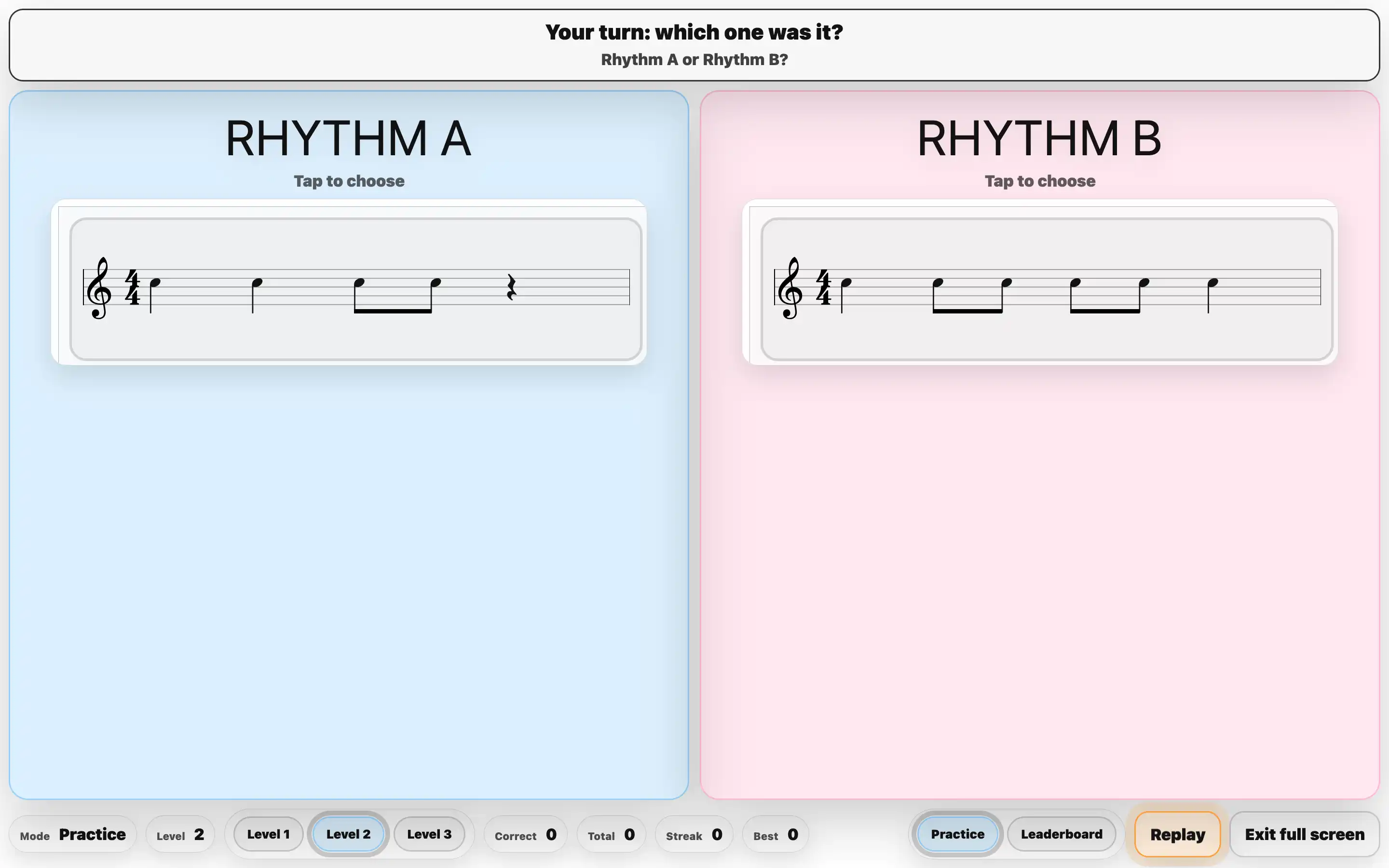
Rhythm Rush choose Rhythm A or B game
Rhythm Rush Pupils listen and decide whether the sound matches Rhythm A or Rhythm B shown on screen. Replay supports careful comparison.
Symbol-to-sound • Listening focus • Speed with accuracy

Pitch decoding and note reading

Strengthen staff confidence by linking pitch you hear to note names and positions on the treble stave.
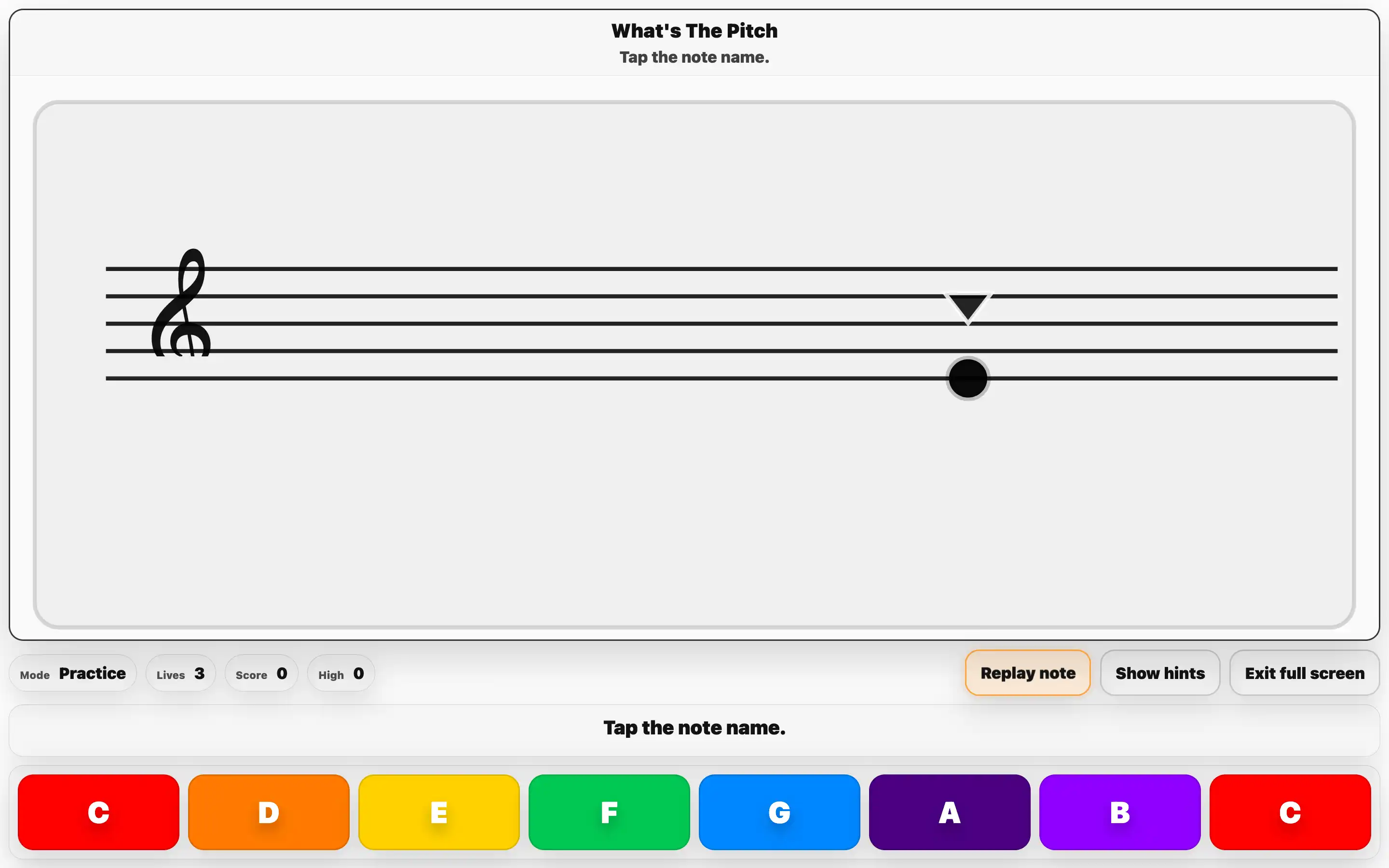
What's The Pitch note recognition game
What’s The Pitch A note plays and appears on the stave. Pupils choose the correct letter name (A–G) and use replay to refine accuracy.
Pitch recognition • Note naming • Replay
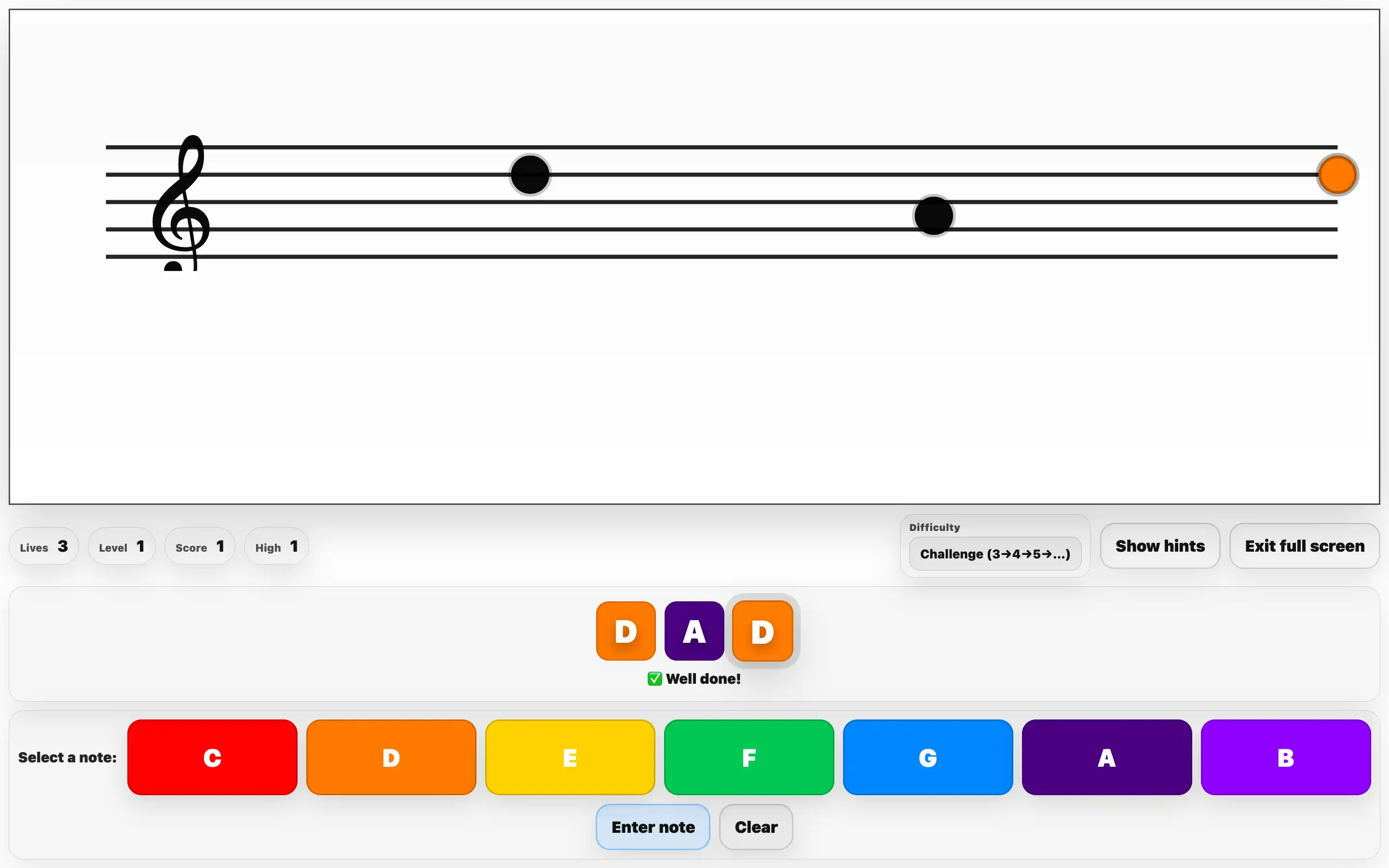
Musical Cabbage note reading to build words game
Musical Cabbage Pupils read a note on the stave and enter the matching letter to build real words using A–G. Difficulty can be adjusted.
Lines and spaces • Fluency • Self-correction

Ear training and musical decisions

Develop focused listening and musical language through quick, repeatable aural choices.
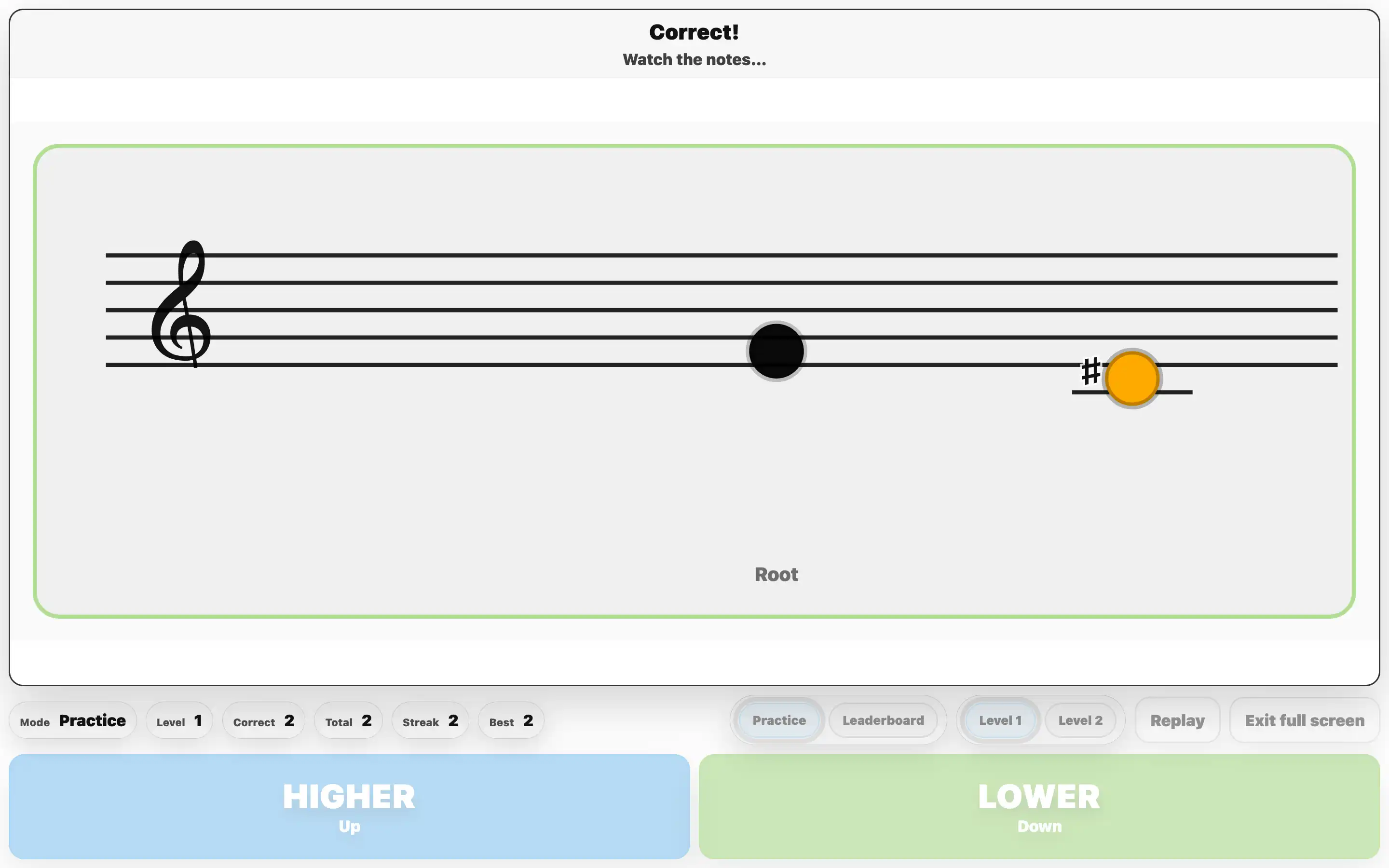
Skies and Valleys higher or lower listening game
Skies and Valleys Pupils decide whether notes are higher or lower than the first note. Level 2 adds a second decision for extra challenge.
Pitch direction • Listening • Reasoning
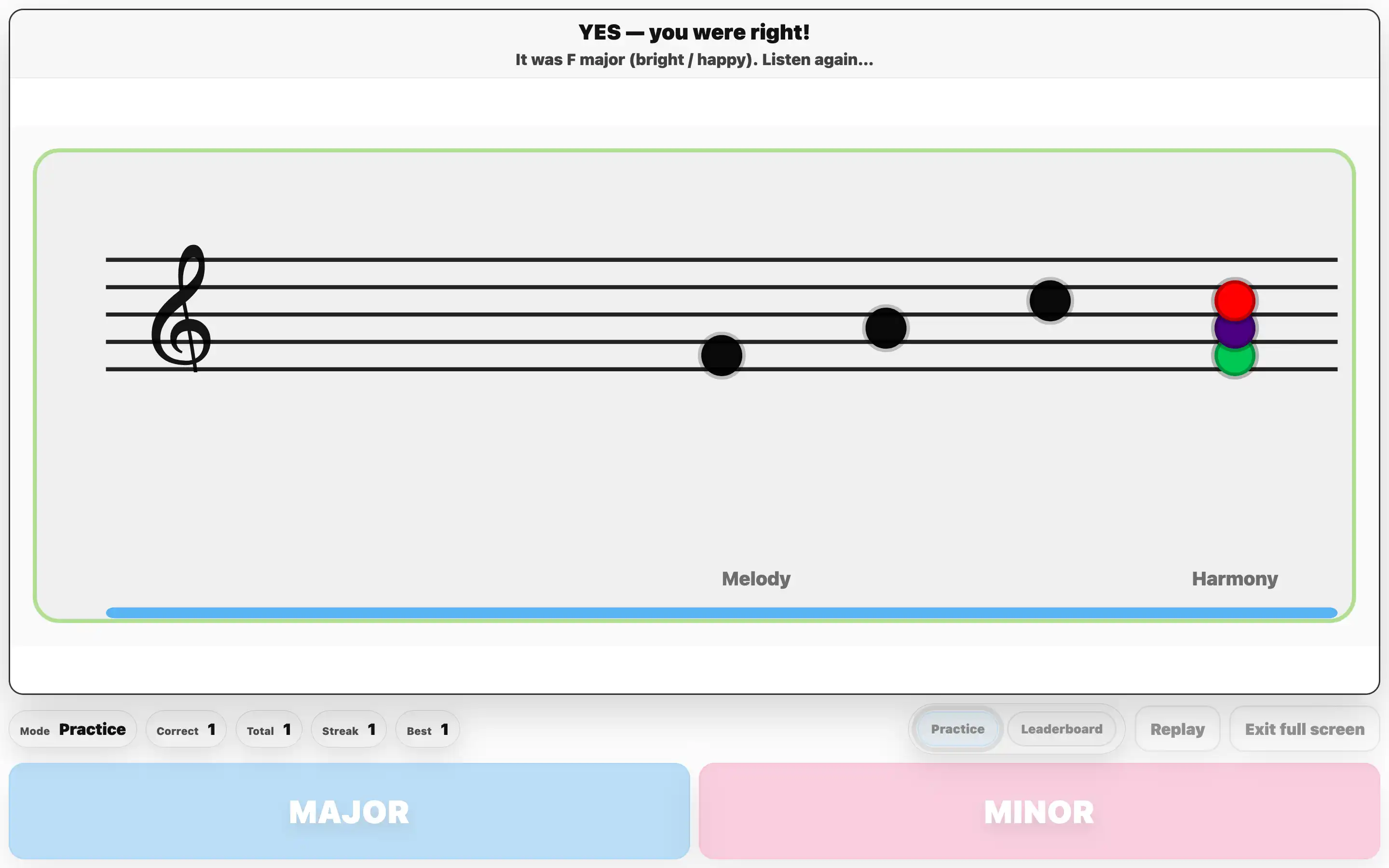
Quickfire Chords major or minor ear training game
Quickfire Chords Pupils listen and choose MAJOR or MINOR. Replay and compare supports rapid improvement and better musical vocabulary.
Major/minor • Aural discrimination • Vocabulary

Memory and performance fluency

Build working memory, attention, and accuracy by copying patterns on a keyboard. Use the same tool in two modes.
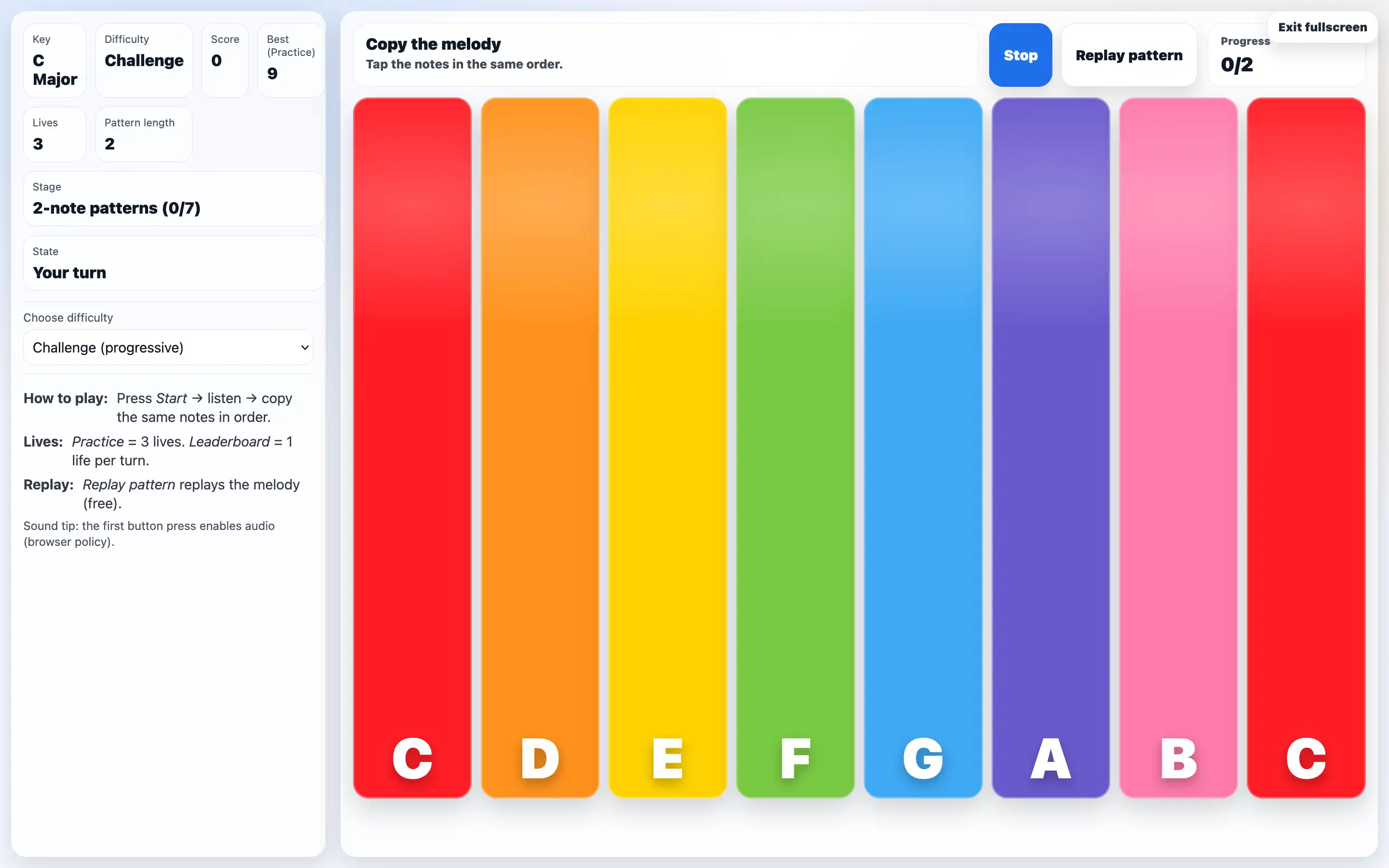
Melody Memory copy the melody by tapping keys game
Melody Memory (Pitch) Pupils listen to a short melody pattern, then copy it by tapping keys in the same order. Replay supports accuracy and focus.
Working memory • Pitch patterns • Concentration
Melody Memory rhythm mode copy pitch and duration by holding notes game
Melody Memory (Pitch + Duration) Pupils copy the melody and match note lengths by pressing and holding keys for the correct duration. A strong next step once pitch is secure.
Control • Short/long • Precision

Keep it purposeful

For best impact: run once uninterrupted, then replay and ask pupils to explain how they know. That quick shift from guessing to justifying is where musical learning accelerates.

Try Kidstrument free — explore Practice Tools in your classroom.