🎵 Try Kidstrument in your Classroom — get up to a year free ➡️
This is one activity from a content bank of 600+ classroom-ready music activities. Explore it anytime and unlock them all with Kidstrument.
Kidstrument is made up of activities that are repeated and remixed to offer varied and flexible teaching. Each activity is part of a wider module with many versions.
All activities, prepared pathways and inspection-ready reporting.
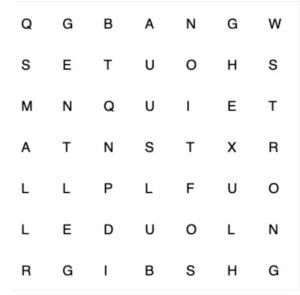
Get KidstrumentInvite your class to enjoy this fun, interactive wordsearch! Children can work together to spot the hidden words and then drag their finger on the whiteboard (or use the mouse on a computer) to highlight them.
This activity builds word recognition, spelling awareness, and concentration skills in an engaging way. You can encourage teamwork by having pupils come up in turns, or set challenges such as “Who can find the next word the fastest?”.
Perfect as a warm-up, a plenary, or a quick brain break, the wordsearch keeps learning light-hearted while still reinforcing key vocabulary.
Kidstrument works best on a bigger screen. 📱➡️💻
Please visit this page on a laptop, tablet, or classroom display for the full experience.
Everything you need to deliver a consistent, high-quality music offer — and the flexibility to adapt it.
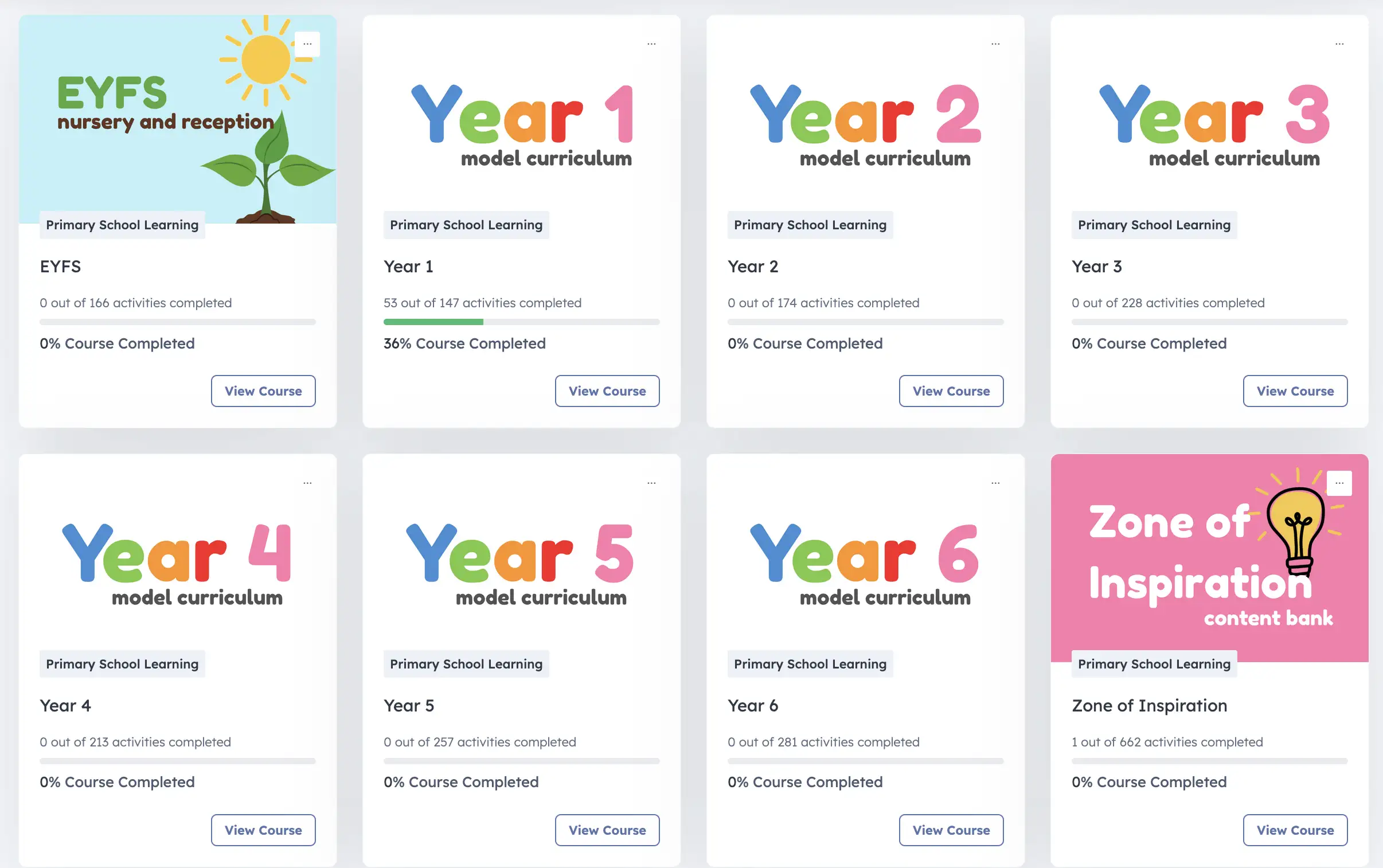
Professionally sequenced units with outcomes, resources, and assessment touchpoints.
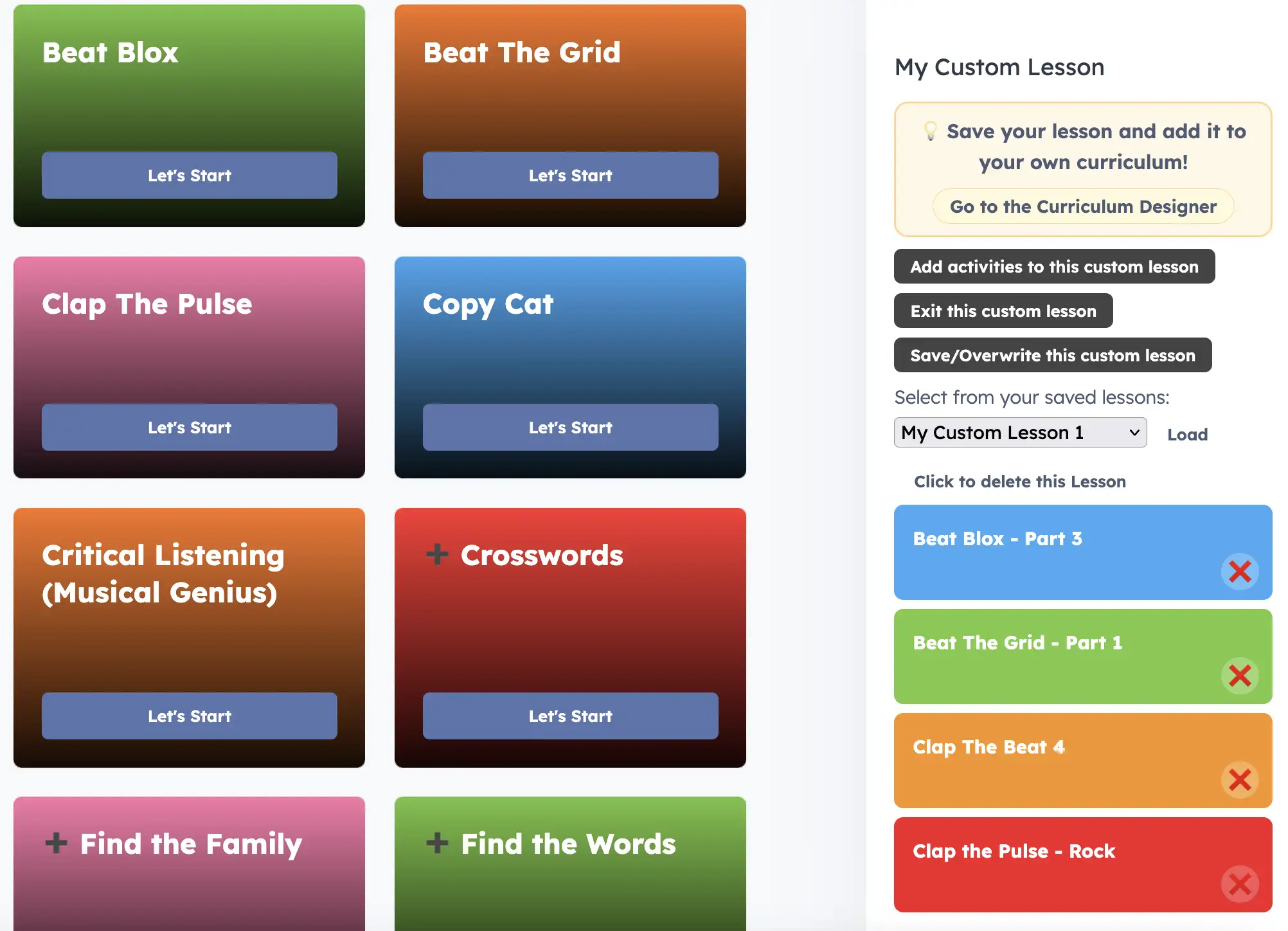
Browse activity series and videos in order, preview before teaching, and target specific skills.
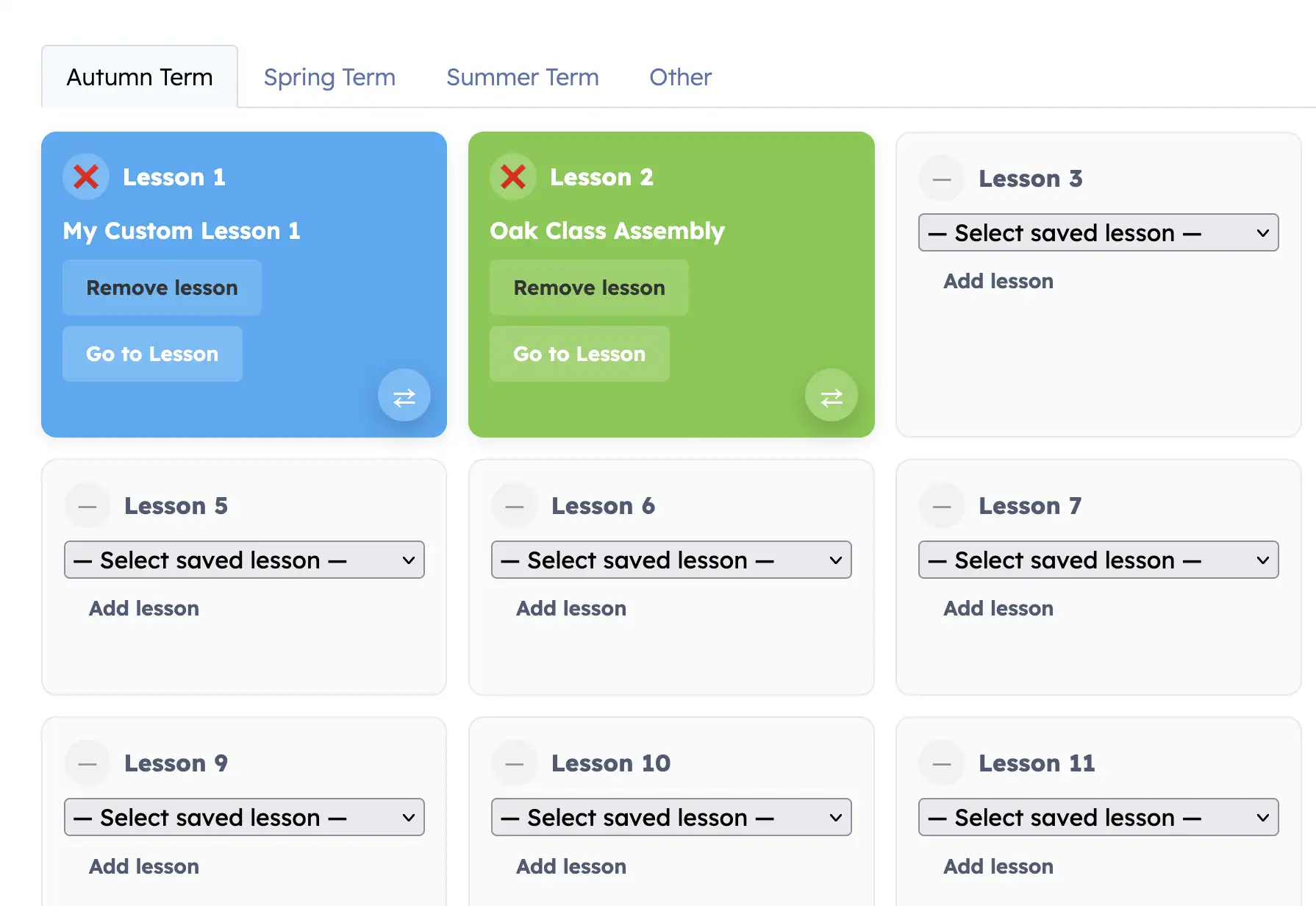
Build a term or full year in minutes. Adapt for mixed-age settings and save versions for future cohorts.
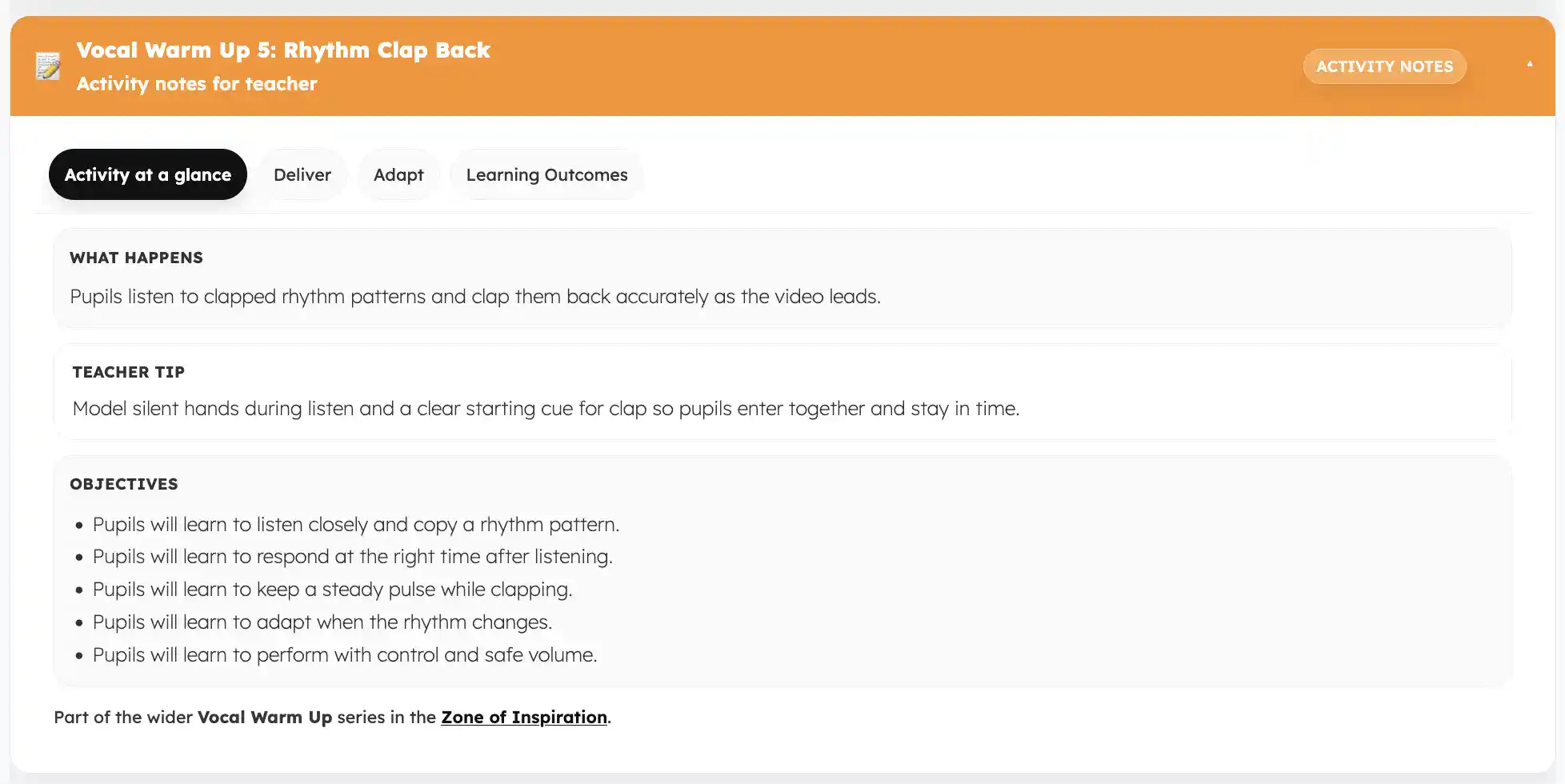
Each activity includes a detailed notes area so any teacher can deliver confidently.
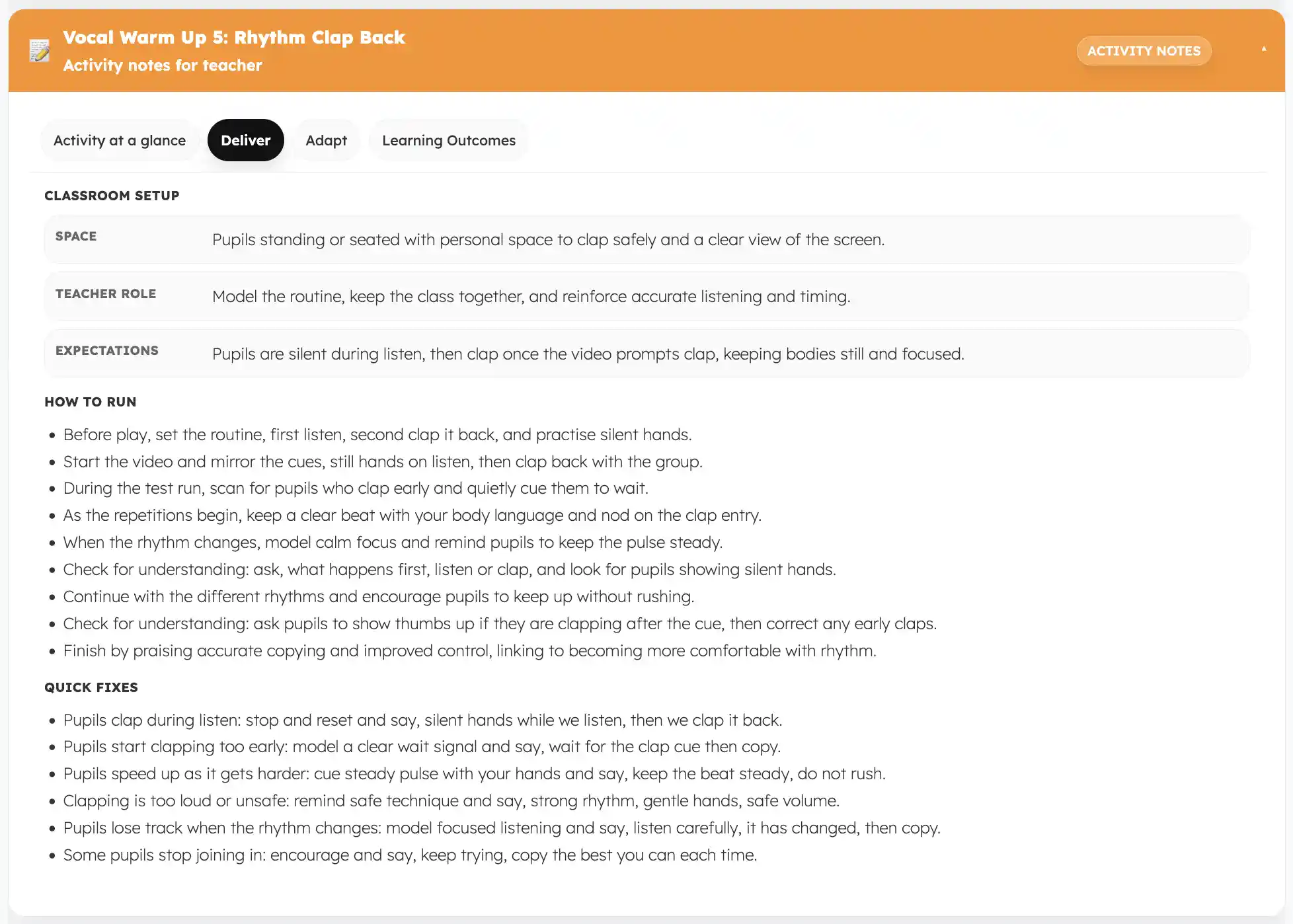
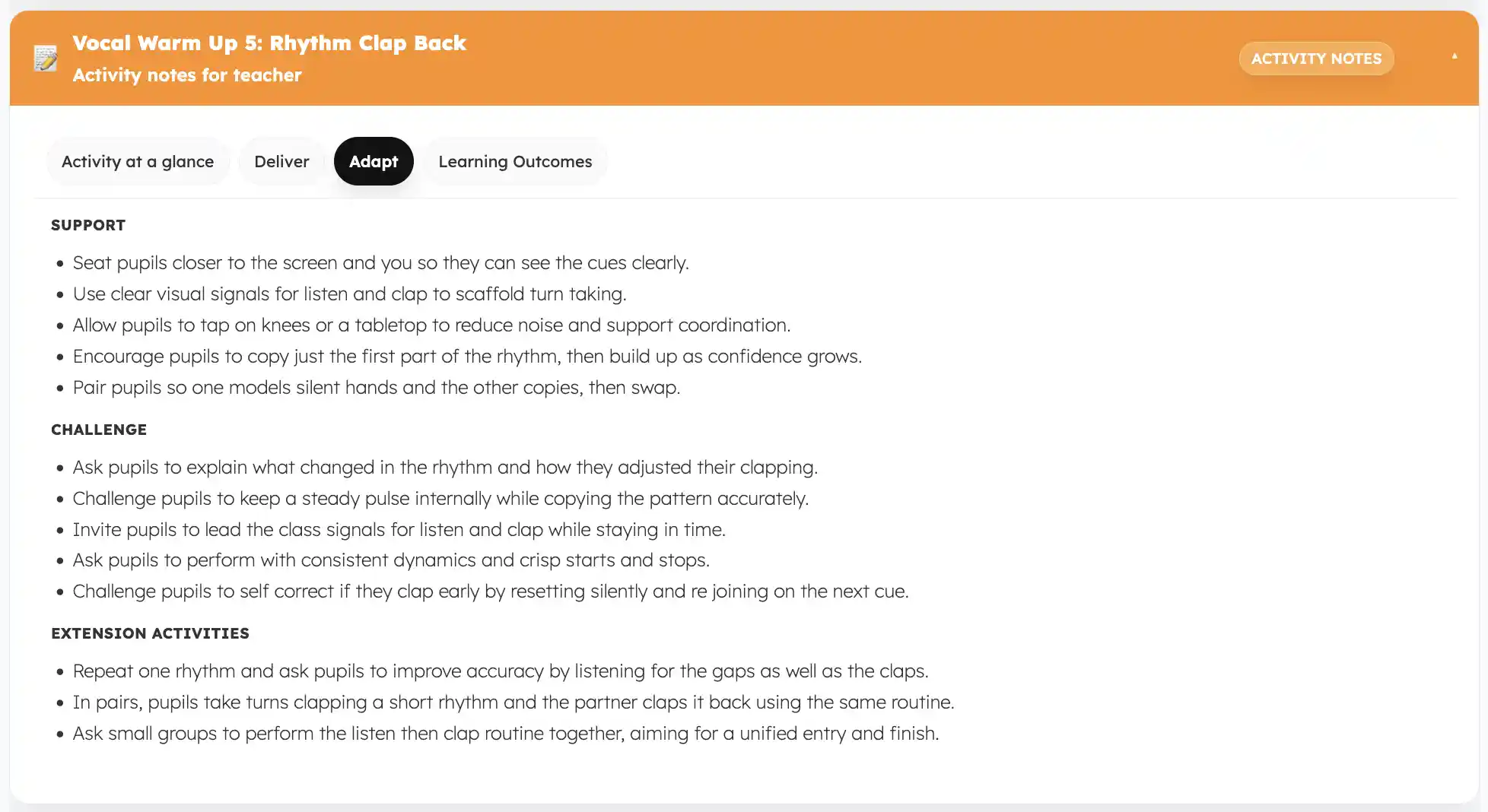
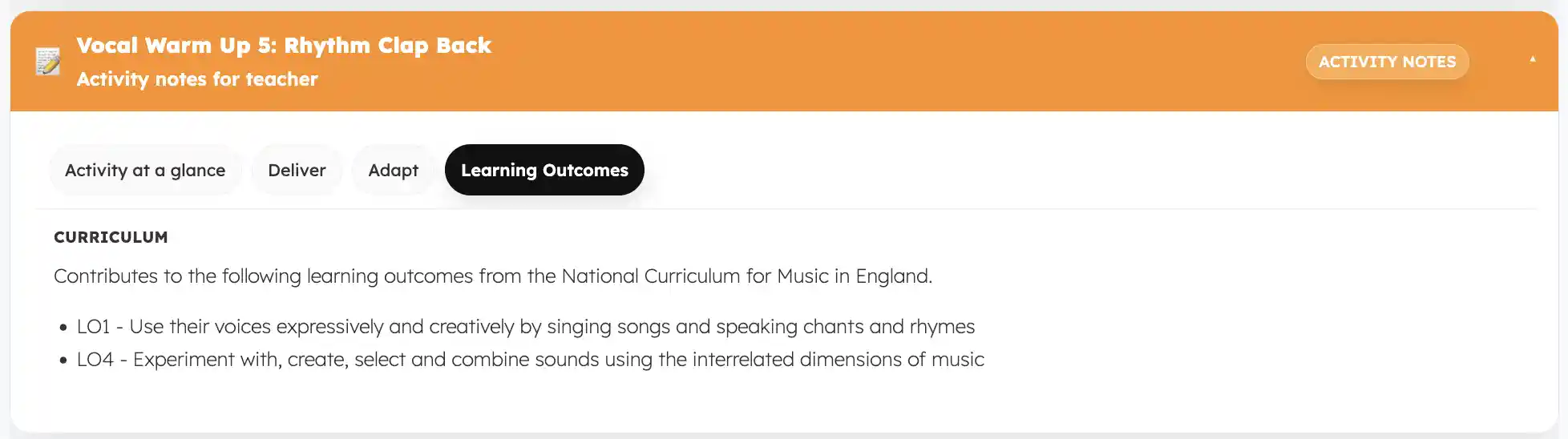
Interactive learning tools and optional reward games to support practice, motivation and confidence.